
Workflows · Guide
Follow-up automation should reduce chasing, not create noise
Design reminders around ownership and unresolved states instead of sending more messages.

Name the stalled transition
An illustrative agency sees client work stall between request approval and delivery. Sending a daily reminder to everyone may hide the real problem: no one owns the next decision. Map the stalled transition and define which person can move it forward. A reminder should point to that decision, its evidence, and its deadline, not merely announce that a task is old.
Give each state a reminder policy
Use different rules for waiting on a customer, waiting on an internal reviewer, and paused by agreement. Record the last reminder and respect quiet periods. A changed owner or resolved task should cancel obsolete reminders. The model can draft a concise explanation, while the workflow decides whether a message is warranted and who may receive it.
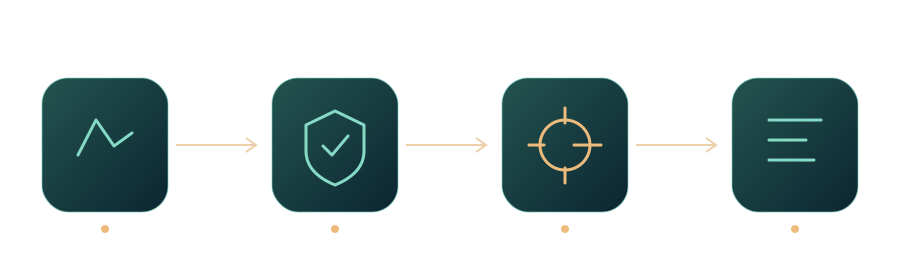
Workflow at a glance
Replace broadcasts with exception views
Provide an exception view showing age, owner, missing input, and next escalation. A team lead can review several blocked items in one pass. Slack documents event delivery and acknowledgment, but a notification arriving is not the same as the recipient acting. Track business transitions separately from messaging delivery, and retain a fallback for failed notifications.
Measure movement per interruption
Evaluate resolved blockers and recipient effort alongside reminder counts. Review a sample of ignored reminders to learn whether they were unnecessary, mistimed, or unactionable. A successful pilot may send fewer messages. Do not add autonomous escalation to new recipients until the team has agreed the authority and privacy boundaries for each case.
A practical next step
Review a week of reminders and mark which caused a useful action. For ignored ones, identify whether ownership, timing, or missing evidence blocked progress. Change one reminder policy and compare a new sample. Include recipient feedback and the ability to pause reminders rather than forcing staff to ignore the system to protect their attention.
Sources and further reading
- The Events APIThe Events APISlack Developer Docs · Documentation ·
- Create and test an approval workflow with Power AutomateCreate and test an approval workflow with Power AutomateMicrosoft Learn · Documentation ·
Editorial approach
AI-assisted original writing, checked against linked public sources. Practical recommendations and illustrative scenarios are editorial analysis, not reported client results. Source dates and product details may differ from this collection’s preparation date.