
Workflows · Guide
Client intake: automate the missing-information loop
A bounded intake workflow can improve handoffs without deciding whether a client should be accepted.

Find the repeated question
An illustrative consultancy receives an email, a partly completed form, and several attachments for each new engagement. The immediate problem is not writing a welcome message; it is discovering what is still missing. Review a sample of recent handoffs and record every follow-up question. Separate universally required fields from information that only some services need.
Build a visible checklist
Create one intake record with a document checklist, source links, owner, and state. AI may suggest that a file satisfies a requirement, but a deterministic rule should test required identifiers and allowed file types. A reviewer confirms ambiguous matches. The workflow must distinguish not provided, unreadable, expired, and not applicable rather than treating all four as missing.
Workflow at a glance
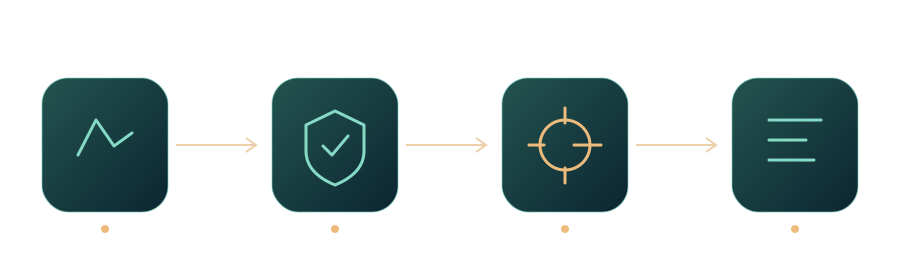
Draft once, confirm before sending
Generate a consolidated request that lists only unresolved items. Let staff inspect the evidence and edit the message before sending. Record the version sent so a second employee does not start another thread. Accessible form labels help the customer understand each requested field; they do not resolve the business question of whether the field is necessary.
Measure the whole handoff
Compare follow-up rounds, staff review time, and the share of records handed over complete. Include the effort spent correcting false missing-item alerts. Do not let this workflow make eligibility, legal, or credit decisions. Its output is a better organized intake record, not permission to approve the underlying engagement.
A practical next step
Choose three approved intake examples and link every follow-up to the missing-information checklist. Ask someone unfamiliar with the cases to identify what remains unresolved. If they confuse unreadable with absent documents, fix the states before adding AI. Save the examples and the reasons for each exception as acceptance cases for future changes.
Sources and further reading
- Labeling ControlsLabeling ControlsW3C WAI · Documentation ·
- Create and test an approval workflow with Power AutomateCreate and test an approval workflow with Power AutomateMicrosoft Learn · Documentation ·
Editorial approach
AI-assisted original writing, checked against linked public sources. Practical recommendations and illustrative scenarios are editorial analysis, not reported client results. Source dates and product details may differ from this collection’s preparation date.