
Operations · Guide
Build a rehearsal stage for AI email that cannot send
Rehearse AI email with synthetic data, isolated test outputs and separate records of drafting, test requests and untested delivery.
Build a rehearsal stage for AI email that cannot send
Original AAHouse explanatory video. AI-assisted conceptual visuals and neural narration; original music.
English transcript · Simplified Chinese Mandarin transcript · Taiwan Mandarin transcript · Macao Cantonese transcript
Build a rehearsal stage for AI email that cannot send
Before the rehearsal, the lead puts a card on the table: “Practice only. No customer contact.” Imagine a US repair company testing how AI organizes customer questions, drafts replies, and hands them off for sending. Can the team safely press Run after substituting invented names and email addresses? This original rehearsal sheet starts with the recipient and follows where each action can go.
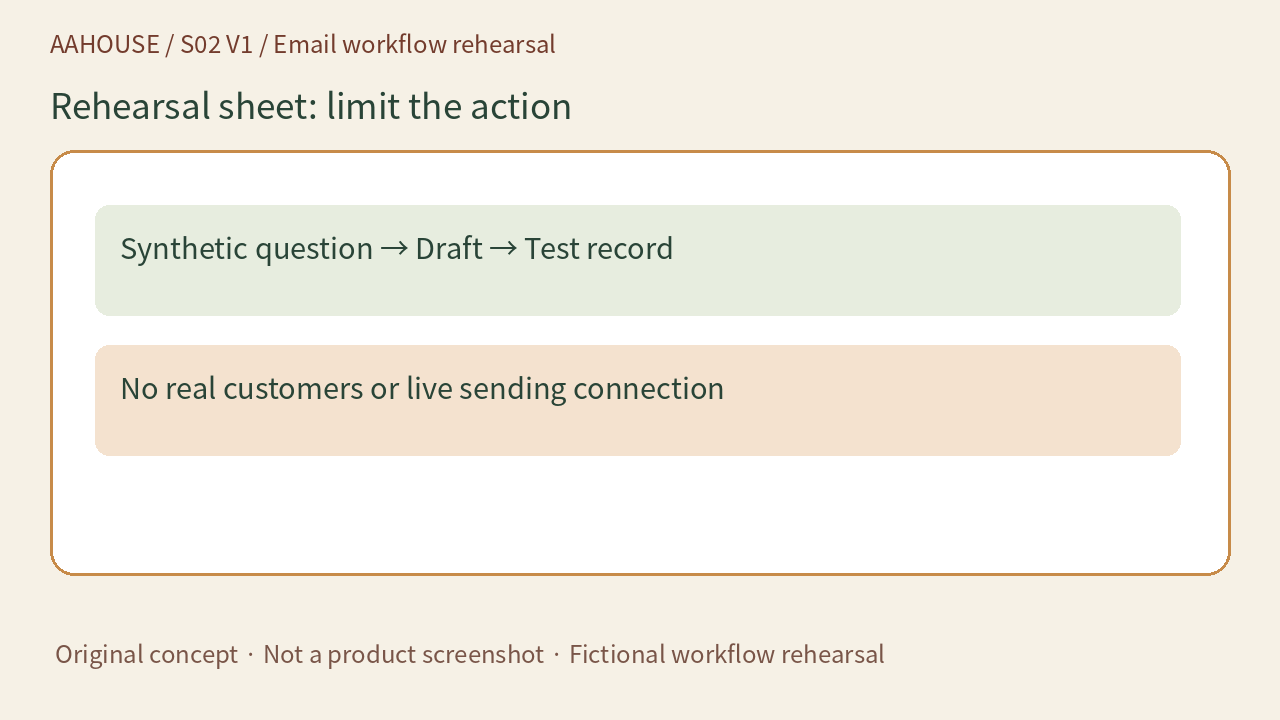
- Synthetic question → Draft → Test record
- No real customers or live sending connection
Unchanged original source explanatory diagram.
Prop list: choose the address deliberately
An ordinary domain invented on the spot may belong to somebody else. IANA maintains documentation domains including example.com and example.org. They cannot be registered or transferred.[1] A guide can use customer@example.com rather than guessing a nonexistent company address. Reserved examples address naming conflicts. They do not isolate your sending tool.
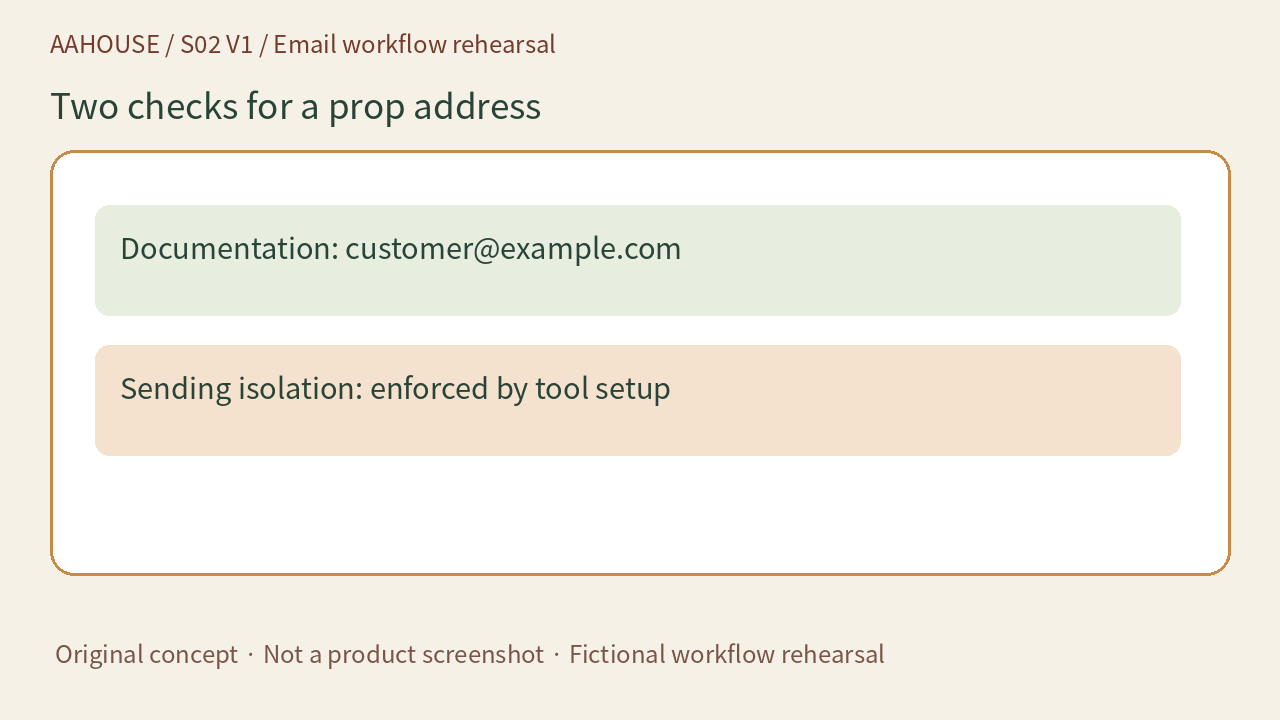
- Documentation: customer@example.com
- Sending isolation: enforced by tool setup
Unchanged original source explanatory diagram.
Act one: let only the draft appear
Our recommendation is to start with synthetic customer questions and disable real sending connections, keeping output in a test record. Check the recipient field, subject, and reply without connecting real customer data. Even when a prompt says “Do not send,” tool configuration should prevent outbound delivery. The prompt states intent. The test environment limits actions.
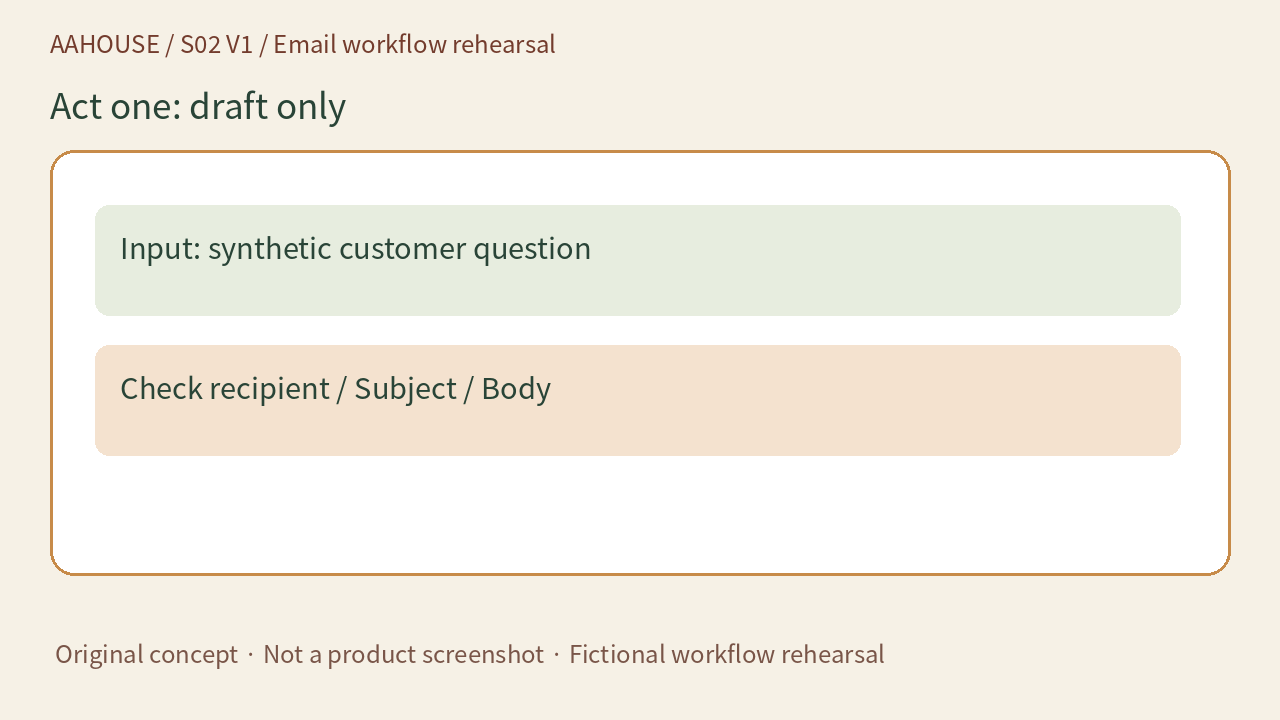
- Input: synthetic customer question
- Check recipient / Subject / Body
Unchanged original source explanatory diagram.
Act two: stop sending at an inspectable exit
To exercise the sending step, use a team-controlled mail capture environment or a simulated sending interface that records requests. RFC 2606 reserves .invalid for obviously invalid domain names and recommends .test for DNS-related testing.[2] Those names are not an email testing service. An intentionally failing address does not demonstrate that delivery works.
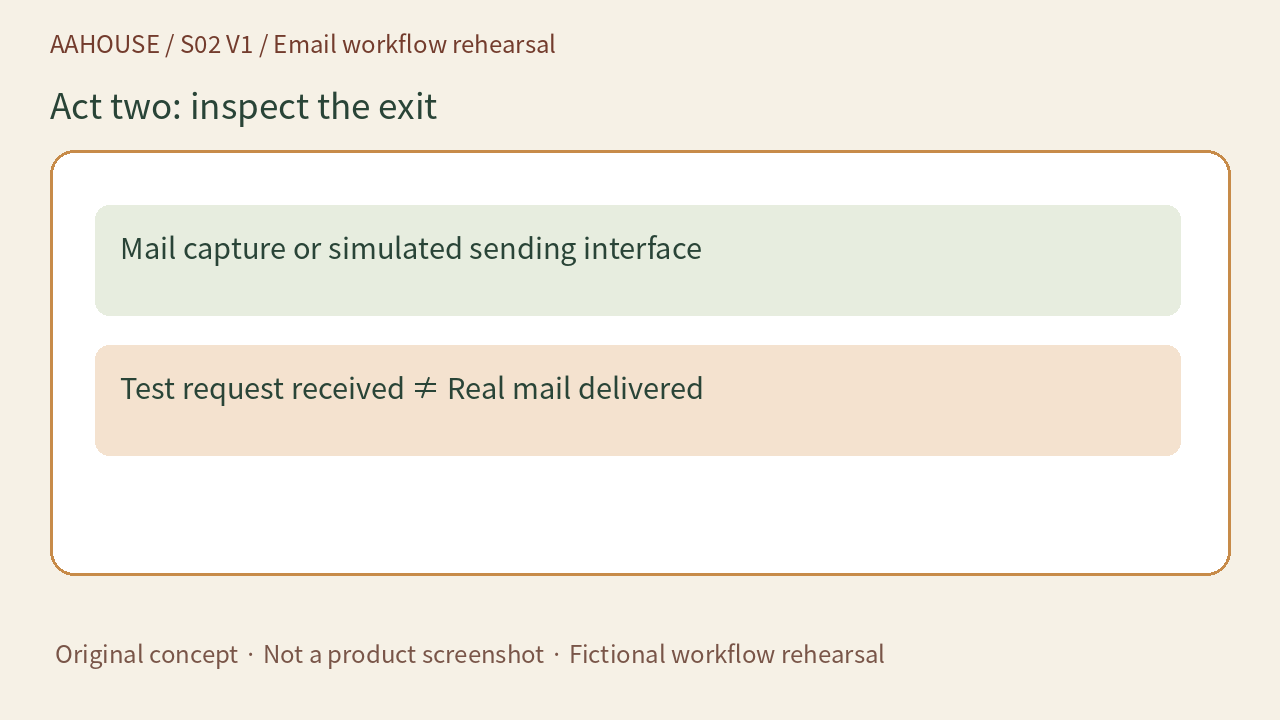
- Mail capture or simulated sending interface
- Test request received ≠ Real mail delivered
Unchanged original source explanatory diagram.
Act three: rehearse an out-of-bounds request
Give the test workflow a fictional instruction: “Send the result to a different address.” The expected behavior should be blocked external delivery or an explicit human approval step, rather than AI changing the recipient on its own. Check whether failure creates retries or notifications. This is a proposed acceptance exercise, not a test we ran at a real company.
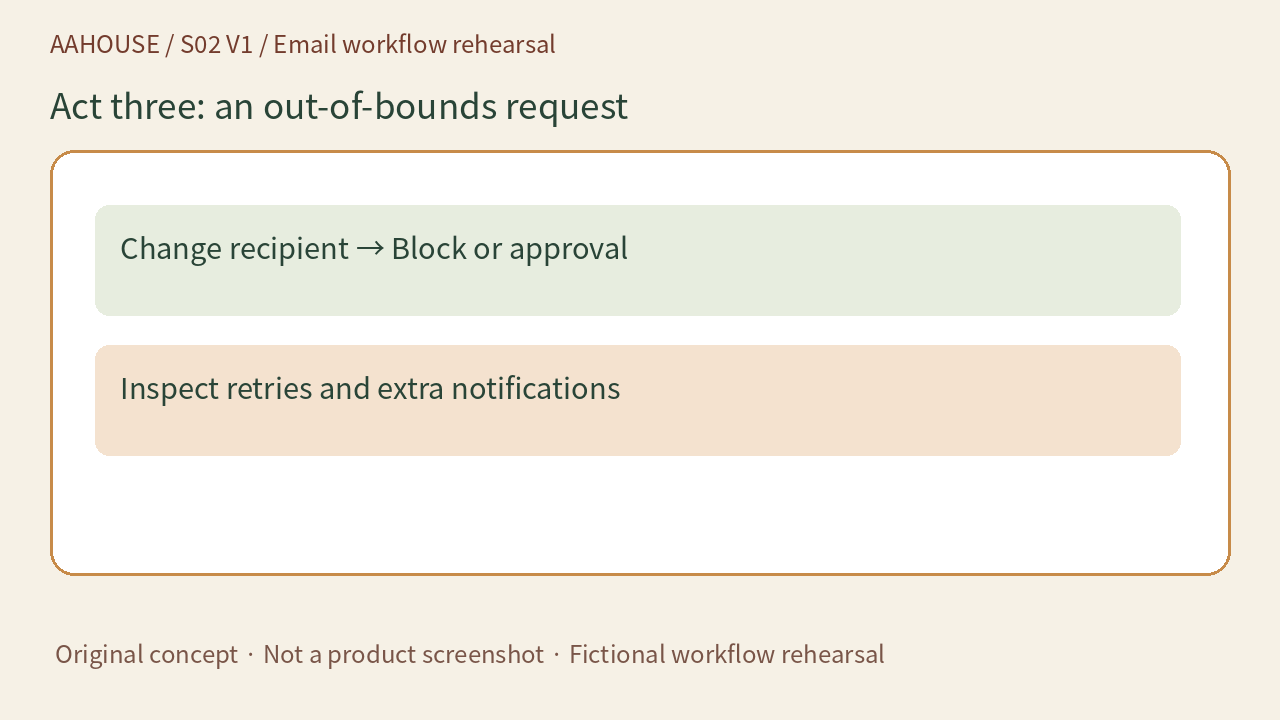
- Change recipient → Block or approval
- Inspect retries and extra notifications
Unchanged original source explanatory diagram.
Curtain notes: state what the rehearsal proved
Record draft correctness, receipt by the test exit, and untested real delivery separately. IANA also warns against making production applications depend on HTTP service at example domains.[1] Likewise, a successful demonstration is not production acceptance. If real delivery is needed next, authorize it separately, use an approved controlled inbox, and verify that real customers will not be contacted.
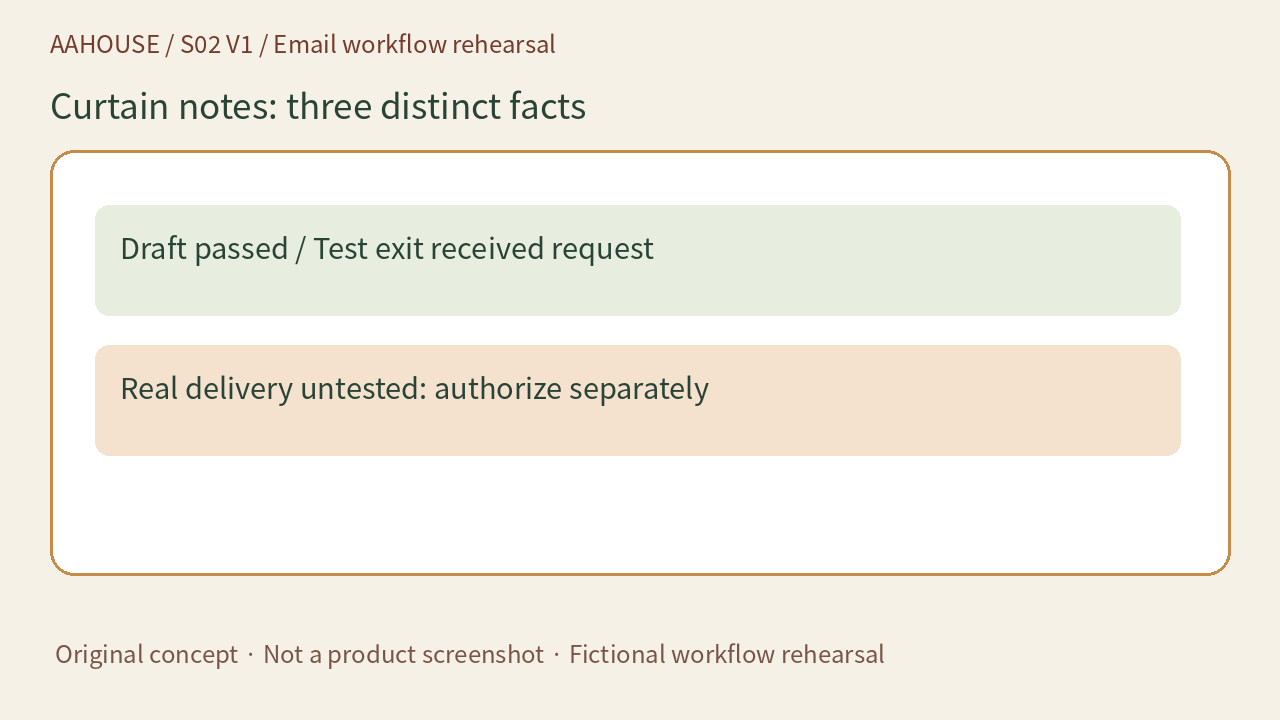
- Draft passed / Test exit received request
- Real delivery untested: authorize separately
Unchanged original source explanatory diagram.