
Operations · Guide
The file opened. Did the part IDs survive?
Use a hypothetical parts-catalog import to check leading zeros, long identifiers and spreadsheet type conversion.
The file opened. Did the part IDs survive?
Original AAHouse explanatory video. AI-assisted conceptual visuals and neural narration; original music.
English transcript · Simplified Chinese Mandarin transcript · Taiwan Mandarin transcript · Macao Cantonese transcript
The file opened. Did the part IDs survive?
Imagine a U.S. auto-parts shop asking AI to organize a supplier catalog. The source part identifier is 00123, but the spreadsheet shows 123 after import. The task is to identify a particular part, not count one hundred twenty-three items. This is a hypothetical troubleshooting exercise. A readable file, unchanged row count, and fluent AI summary do not prove that identifiers survived. Pause matching and ordering, and retain the original export.
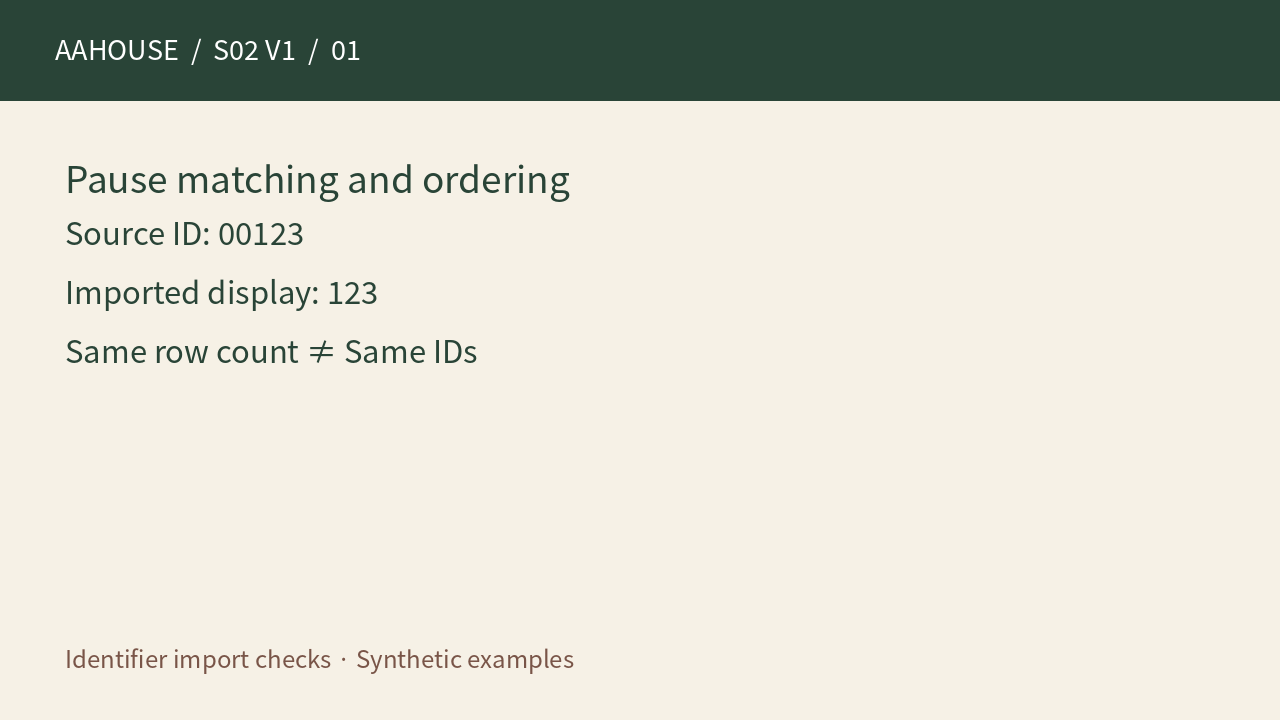
- Source ID: 00123
- Imported display: 123
- Same row count ≠ Same IDs
Unchanged original source explanatory diagram.
Is it only a display problem?
Not necessarily. Microsoft documents fifteen significant digits of numeric precision in Excel; identifiers with sixteen or more digits should be kept as text.[1] Scientific notation alone does not prove corruption, but numeric conversion can already have changed trailing digits. Compare the actual stored value with the original string rather than judging only a screenshot or the displayed cell format.
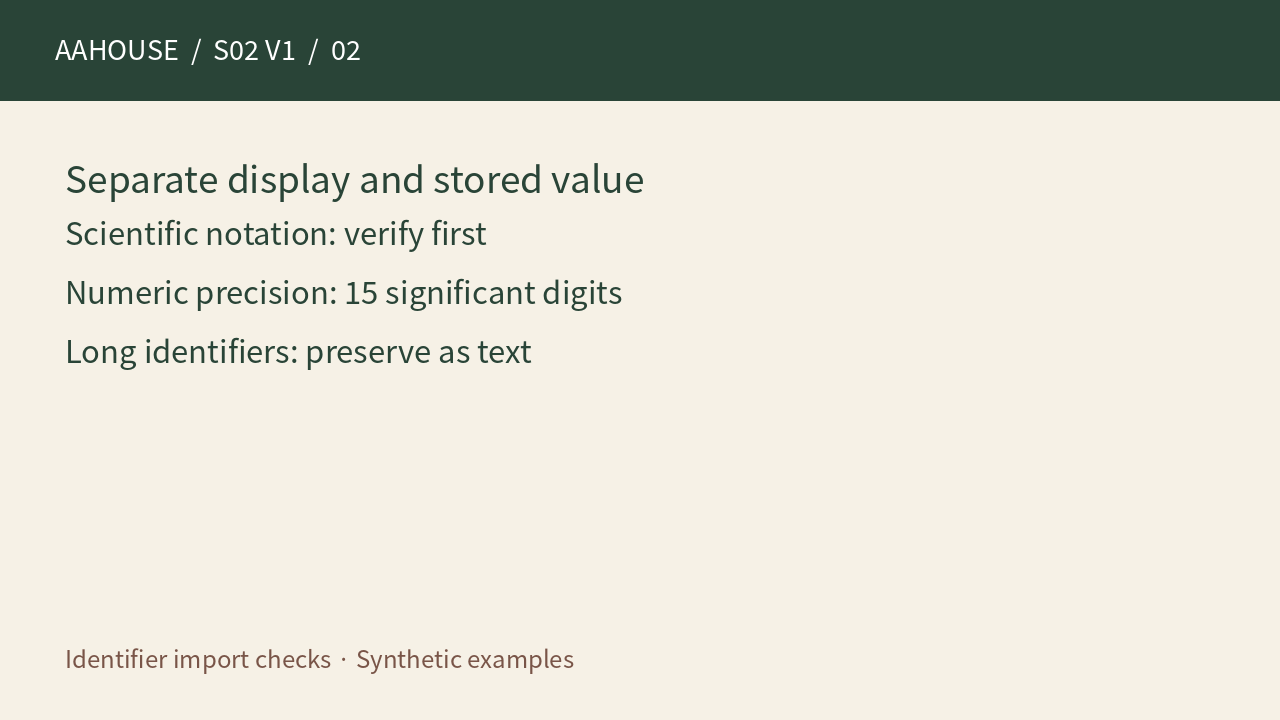
- Scientific notation: verify first
- Numeric precision: 15 significant digits
- Long identifiers: preserve as text
Unchanged original source explanatory diagram.
Can padding or Text formatting repair it?
Neither proves a correct recovery. The source system may distinguish 00123 from 123. A format that displays five digits follows a display rule; it does not recover provenance. Microsoft also warns that applying Text formatting after entry does not restore values already lost.[1] If the source copy was damaged, obtain a fresh authoritative export. Do not ask AI to invent missing prefixes or trailing digits.
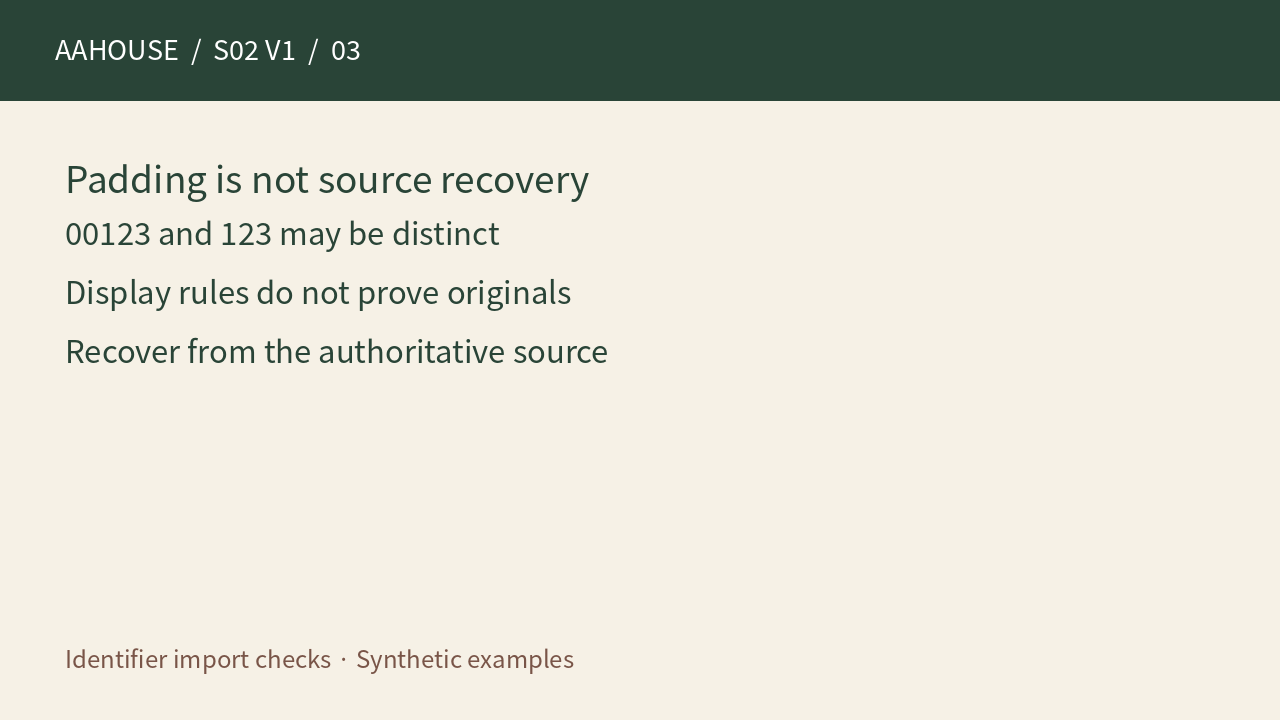
- 00123 and 123 may be distinct
- Display rules do not prove originals
- Recover from the authoritative source
Unchanged original source explanatory diagram.
Where should conversion be stopped?
Microsoft explains that directly opening a CSV interprets columns using current default settings.[3] From Text/CSV and Transform Data can be used to assign identifier columns the Text type before loading.[1] Replace an inferred step that converts identifiers into numbers instead of merely adding a Text conversion after it. Quantities and amounts still need their own business rules; do not blindly turn every column into text.
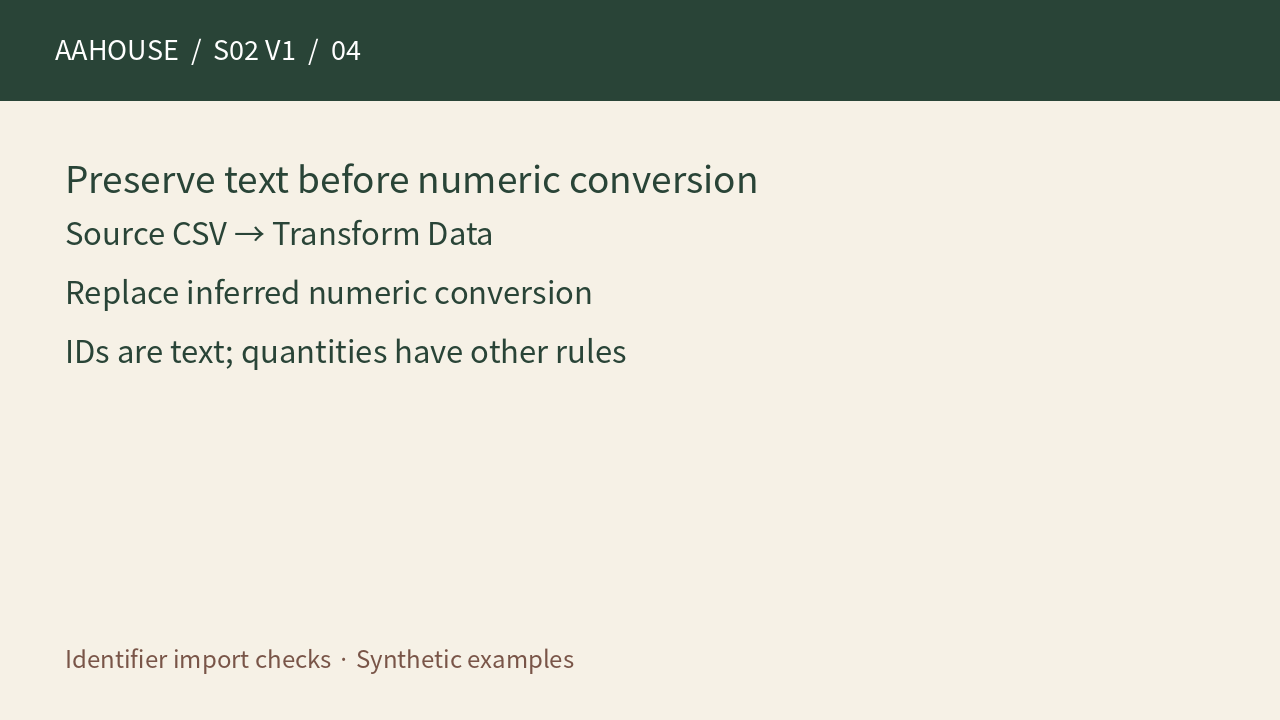
- Source CSV → Transform Data
- Replace inferred numeric conversion
- IDs are text; quantities have other rules
Unchanged original source explanatory diagram.
Is disabling automatic conversion enough?
Some editions provide automatic-data-conversion controls, but this is not a universal safeguard. Microsoft lists Microsoft 365 and Excel 2024 for those controls and says they do not directly govern Power Query imports.[2] Record the application version, import path, and type-conversion steps in the handoff. AI may explain the settings, but it cannot guarantee that a receiving system preserved the original identifiers.
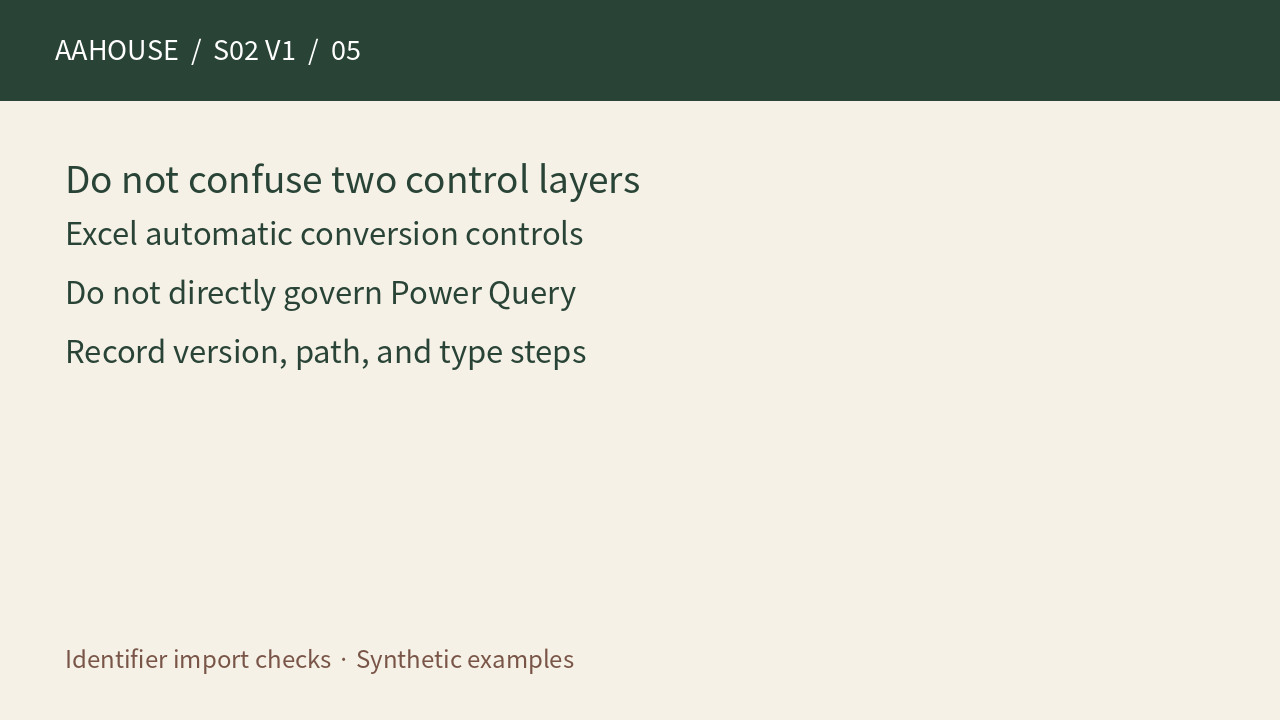
- Excel automatic conversion controls
- Do not directly govern Power Query
- Record version, path, and type steps
Unchanged original source explanatory diagram.
Check three groups of evidence before handoff
Our proposed fixtures include a leading-zero identifier, one longer than fifteen digits, and two similar-looking identifiers that are genuinely distinct. Compare complete source and imported strings, lengths, distinct counts, and match results. Then verify refresh, save and reopen, and onward export. These are recommendations, not tests performed in a customer application. Acceptance should mean that specified identifiers remain equal through a named workflow, not simply that an import succeeded.
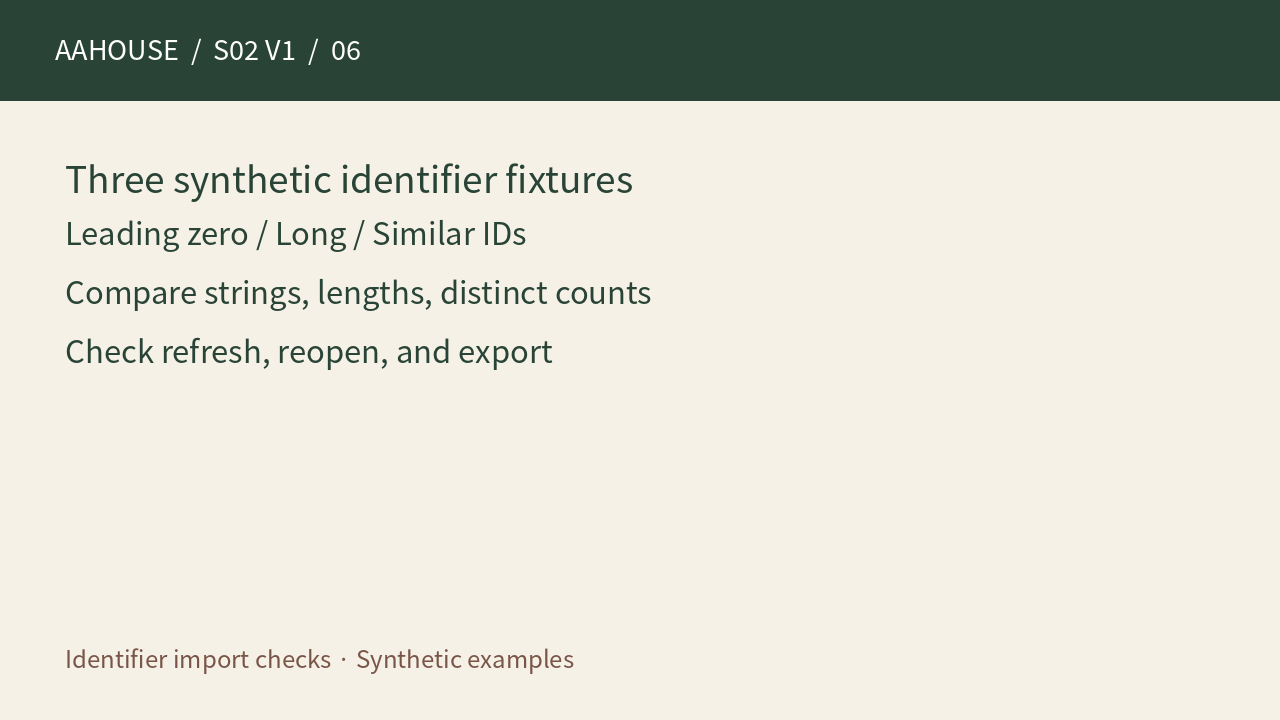
- Leading zero / Long / Similar IDs
- Compare strings, lengths, distinct counts
- Check refresh, reopen, and export
Unchanged original source explanatory diagram.