
Operations · Guide
Before AI Writes Alt Text, Decide What the Image Does
Choose alt text by an image’s decorative, functional, informative or complex role, and verify its factual claims.
Before AI Writes Alt Text, Decide What the Image Does
Original AAHouse explanatory video. AI-assisted conceptual visuals and neural narration; original music.
English transcript · Simplified Chinese Mandarin transcript · Taiwan Mandarin transcript · Macao Cantonese transcript
Start with the job, not the pixels
Imagine a U.S. florist using AI to describe website images. The same bouquet can illustrate a product, act as a shopping link, or decorate a banner. This is an editorial exercise, not a customer test. Decide what the image does before drafting its alternative text. Successful generation is not evidence that the resulting copy is useful.
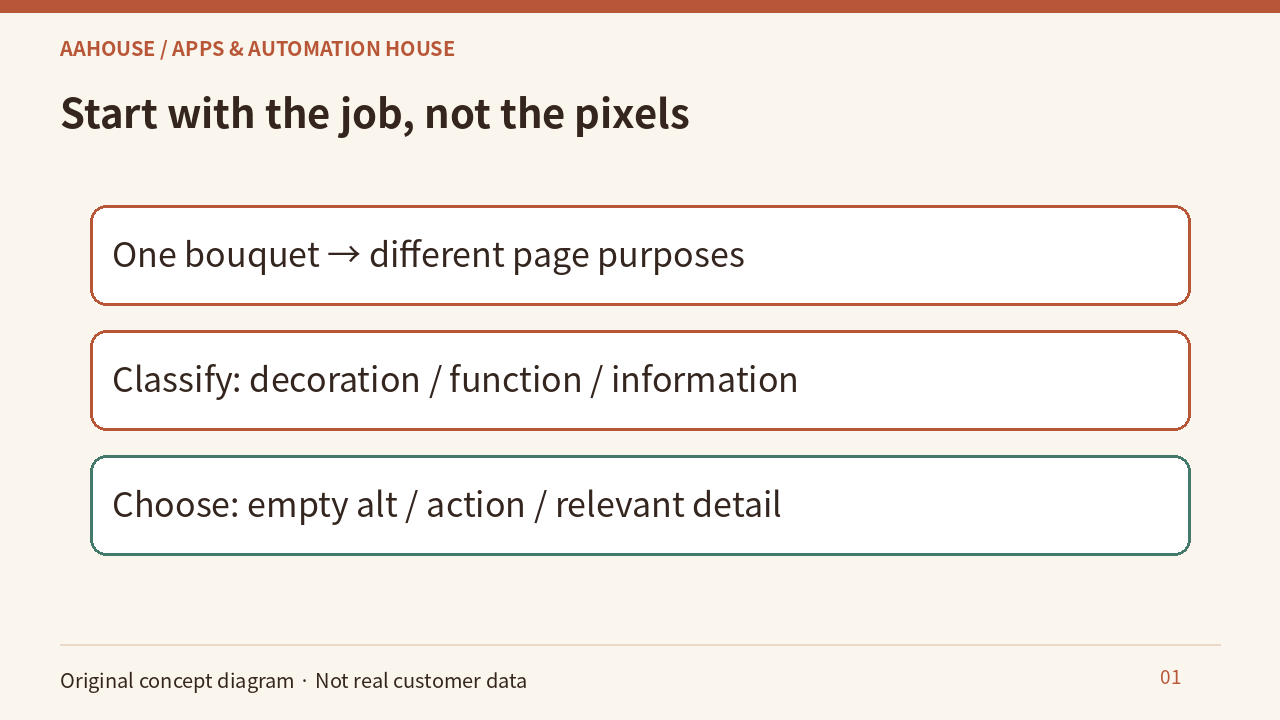
- One bouquet → different page purposes
- Classify: decoration / function / information
- Choose: empty alt / action / relevant detail
Unchanged original source explanatory diagram.
Decoration: less can be more
When an image is decorative, or nearby text already conveys all its information, another description can add noise. W3C’s decision tree recommends empty alternative text in these cases. An empty alt attribute is not an absent attribute. Record why an image is decorative or redundant so an automated workflow does not later insert an unnecessary description. [1]
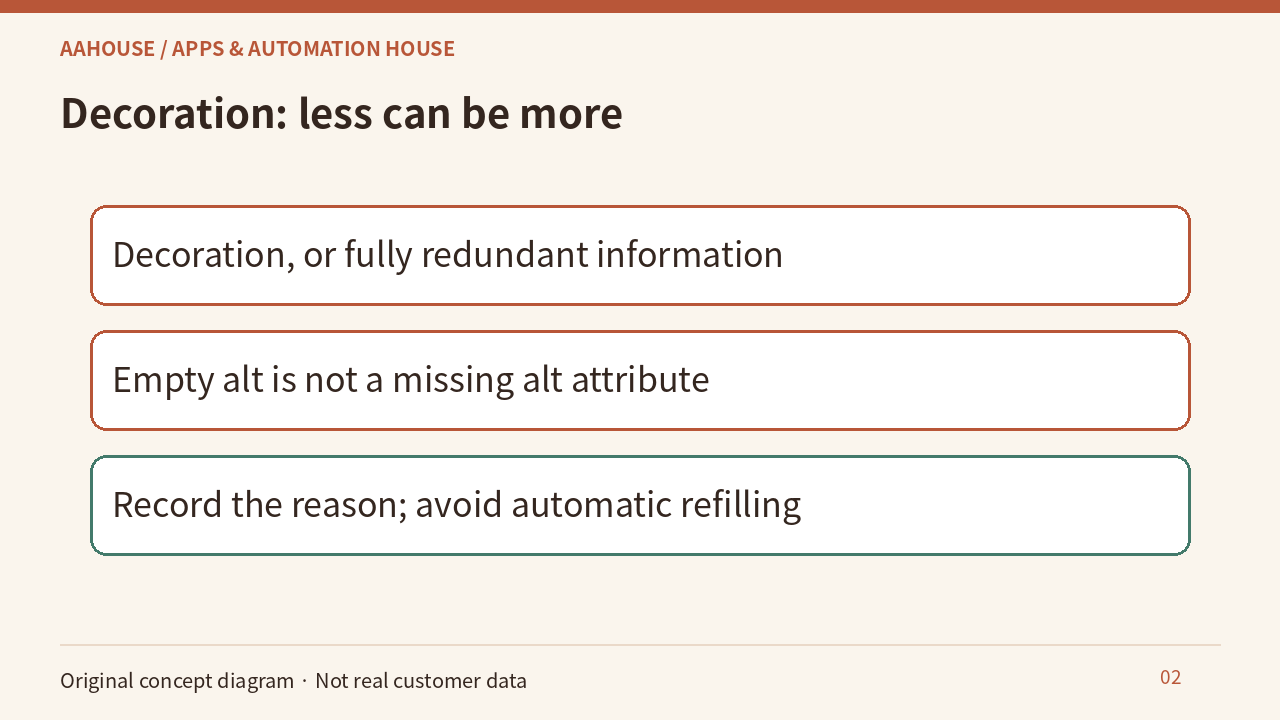
- Decoration, or fully redundant information
- Empty alt is not a missing alt attribute
- Record the reason; avoid automatic refilling
Unchanged original source explanatory diagram.
Function: name the action
For an image used as a link or button, convey its destination or action rather than appearance alone. If a bouquet is the only shopping link, “View spring bouquets” can communicate more than “Pink flowers.” The wording must match the actual destination. Where visible button text already exists, check whether the combined name repeats itself. [1]
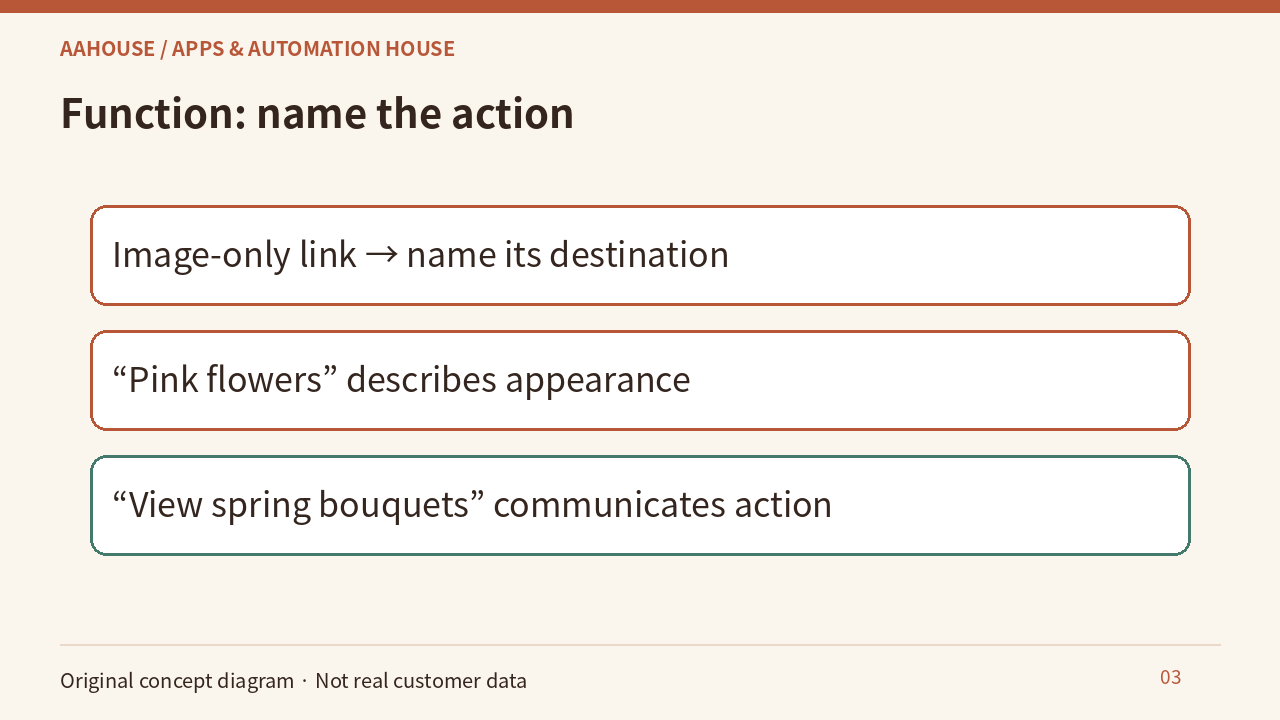
- Image-only link → name its destination
- “Pink flowers” describes appearance
- “View spring bouquets” communicates action
Unchanged original source explanatory diagram.
Information: keep it relevant
A useful product-photo description serves the reader’s task. If the page discusses arrangements, colors and combinations may matter. Do not infer price, availability, scent, or delivery promises from pixels. Give the AI editor the page context, and keep observable image details separate from business records so polished prose does not introduce unsupported sales claims.
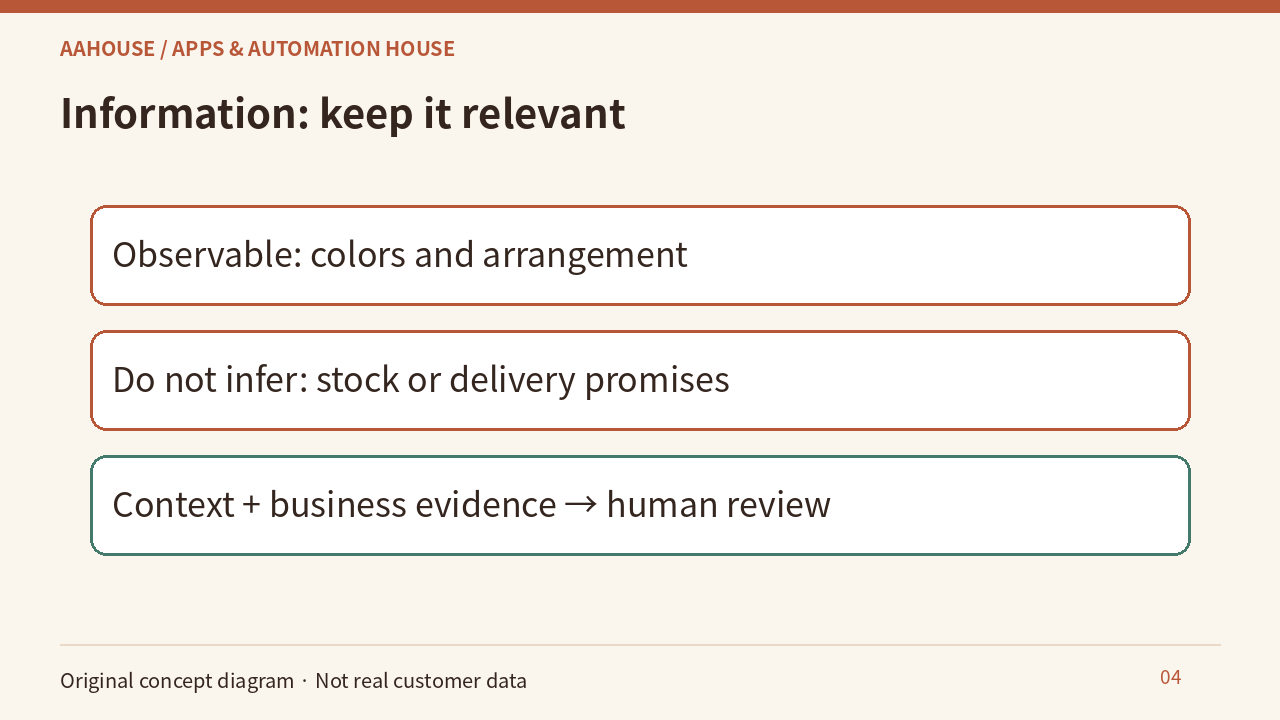
- Observable: colors and arrangement
- Do not infer: stock or delivery promises
- Context + business evidence → human review
Unchanged original source explanatory diagram.
Complexity: make the substance available
Suppose the page contains a delivery-area map. A few words may not explain it. W3C recommends short identification plus a longer description carrying essential information for complex images. Adjacent text could list covered areas, restrictions, and an update date for everyone to find. This is a hypothetical content design, not confirmation of any actual delivery coverage. [2]
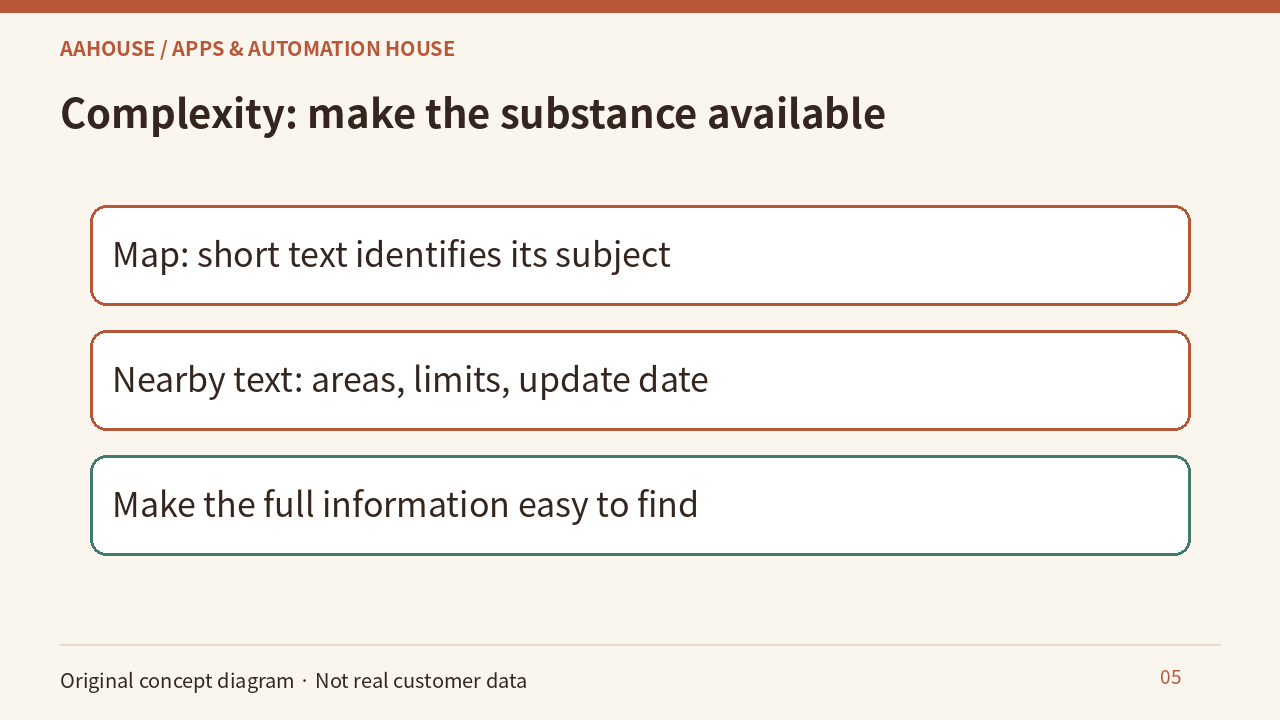
- Map: short text identifies its subject
- Nearby text: areas, limits, update date
- Make the full information easy to find
Unchanged original source explanatory diagram.
An editorial acceptance check
Sample by purpose. Without the image, can readers understand what to do? Does the description repeat adjacent copy? Is each business assertion supported? Save the purpose, description, and reviewer together; revisit them when the page’s purpose changes. These are proposed editorial checks, not completed website tests or a declaration of whole-site accessibility conformance.
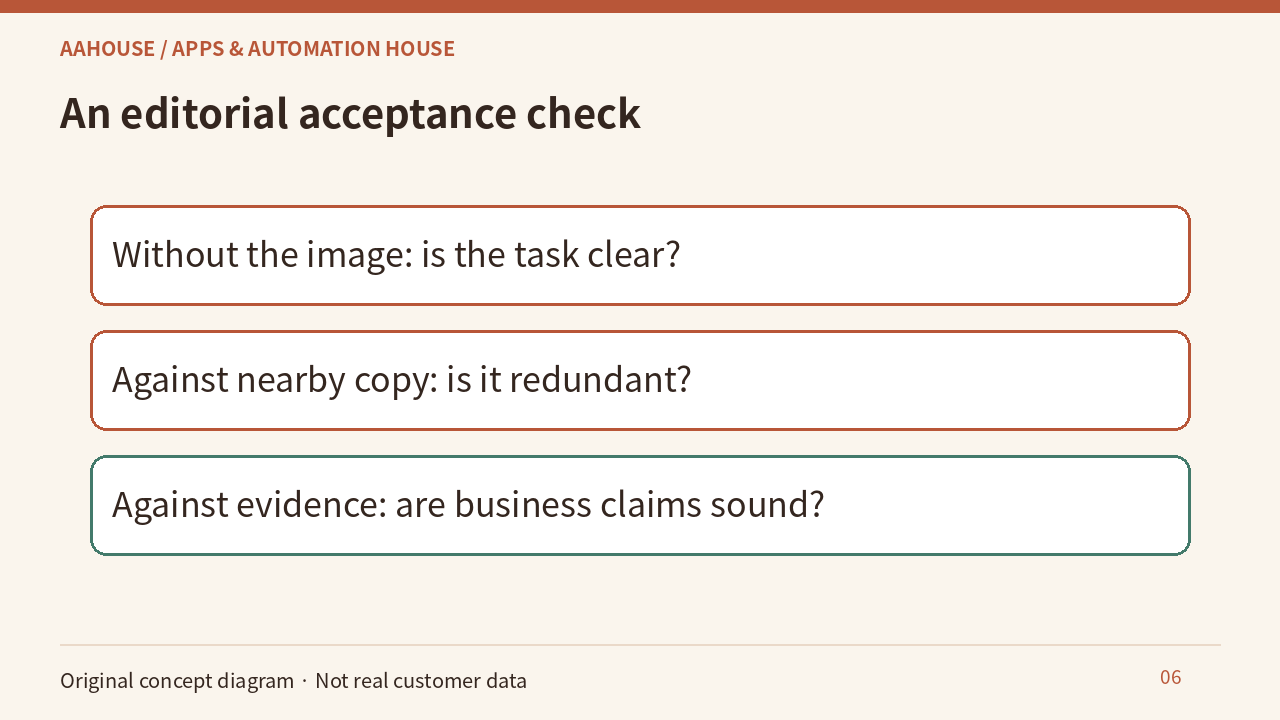
- Without the image: is the task clear?
- Against nearby copy: is it redundant?
- Against evidence: are business claims sound?
Unchanged original source explanatory diagram.