
Adoption · Guide
Train for the job, not for a tour of AI features
Design practice around the decisions staff must make after training.

Start with a work scenario
A training session should end with a person able to complete an agreed task. An intake coordinator, reviewer, and manager need different practice even when they share one tool. Microsoft’s adoption resources separate technical readiness from user enablement. Our recommendation is to design the learning around each role’s handoffs and decisions, rather than treating every licensed employee as the same kind of user.
Practice good and bad outputs
Give staff a plausible draft with a missing fact, not only a polished answer. Ask what they would verify, correct, or escalate. In an illustrative report exercise, the useful skill is noticing an unsupported conclusion and finding the right evidence. Prompt writing matters, but teaching people how to challenge an answer is equally important when the output will influence client work or internal decisions.
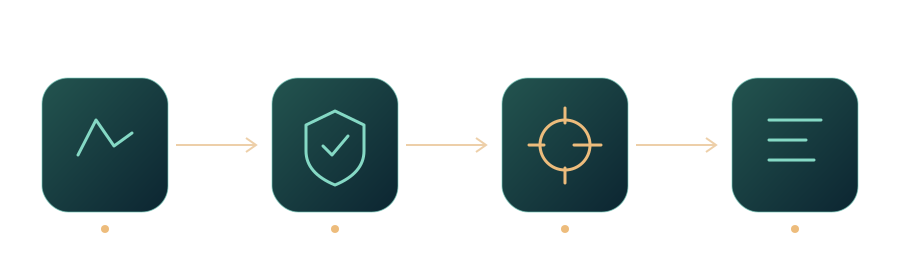
Workflow at a glance
Leave a usable job aid
Provide a short task guide with approved inputs, review steps, examples, and a clear stop condition. Include the help channel and the owner of the guide. Avoid a giant prompt library that nobody can navigate under pressure. A small role-specific aid can be revised when the workflow changes, and helps distinguish an employee’s learning gap from a defect in the system or an unclear business rule.
Check performance after the class
Ask participants to complete a fresh example later, without the trainer leading every step. Observe errors and questions, then revise the workflow or the guide. Completion of a course is not evidence that daily work improved. Track whether staff can recognize when not to use the tool, because safe refusal and escalation are part of competence rather than signs that the training failed.
A role-based practice card
Give each role a practice card with one input, expected action, review check, and escalation condition. Ask the person to complete it with a fresh example. Record where the instructions were insufficient rather than grading confidence alone. A coordinator’s card may focus on missing fields, while a reviewer’s card focuses on unsupported claims. The differences make training useful without requiring a different tool for every role.
Sources and further reading
- Copilot Success Kit for Small and Medium BusinessCopilot Success Kit for Small and Medium BusinessMicrosoft · Documentation ·
- Microsoft Copilot adoption guide and overview for IT adminsMicrosoft Copilot adoption guide and overview for IT adminsMicrosoft · Documentation ·
Editorial approach
AI-assisted original writing, checked against linked public sources. Practical recommendations and illustrative scenarios are editorial analysis, not reported client results. Source dates and product details may differ from this collection’s preparation date.