Operations · Guide
AI organized the data. The CSV export still needs a boundary.
Follow a fictional service export and separate text, numbers, and approved formulas.
AI organized the data. The CSV export still needs a boundary.
Original AAHouse explanatory video. AI-assisted conceptual visuals and neural narration; original music.
Simplified Chinese Mandarin transcript · English transcript · Taiwan Mandarin transcript · Hong Kong Cantonese transcript · Macao Cantonese transcript
After the download button
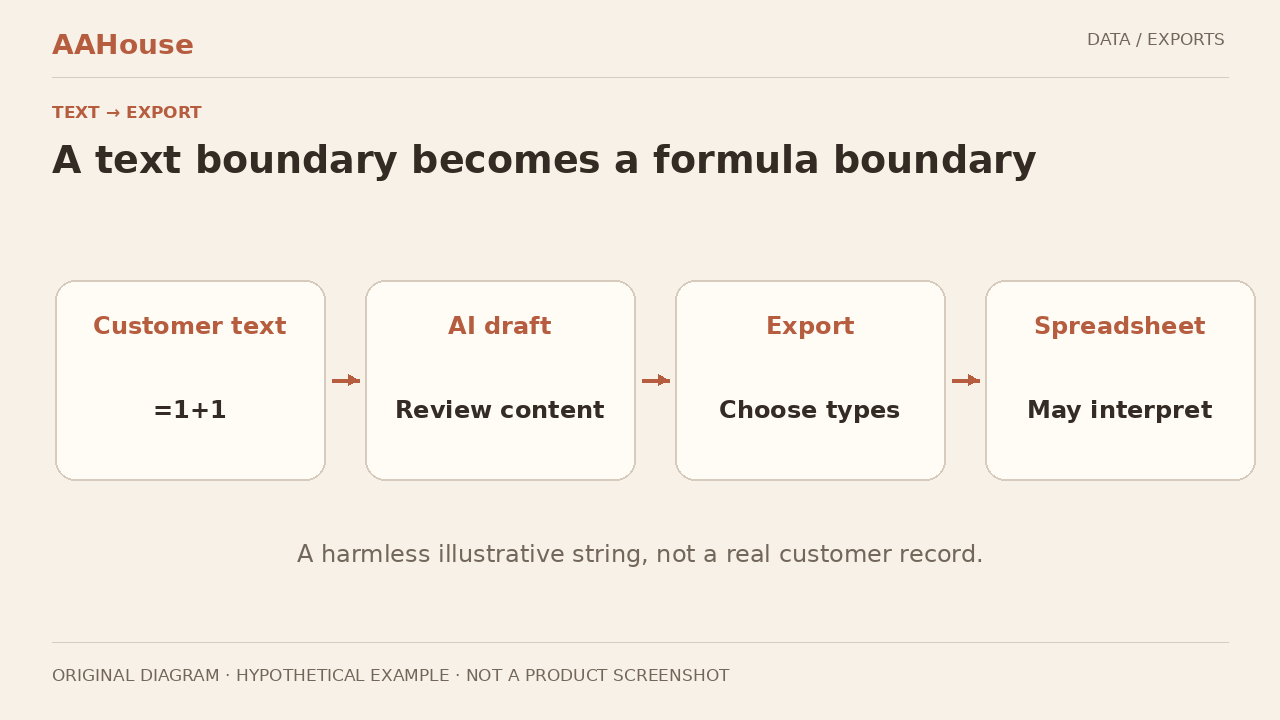
Imagine a U.S. repair business using AI to organize service inquiries before staff download a follow-up sheet. A customer note is text in the web application, but a spreadsheet may interpret it differently. The review should follow the data past the model response and through the download button. An internal logo and a familiar download page do not establish the trust level of every cell. This is a fictional design walkthrough, not a reported incident or a claim that a particular product has failed.
One string, two meanings
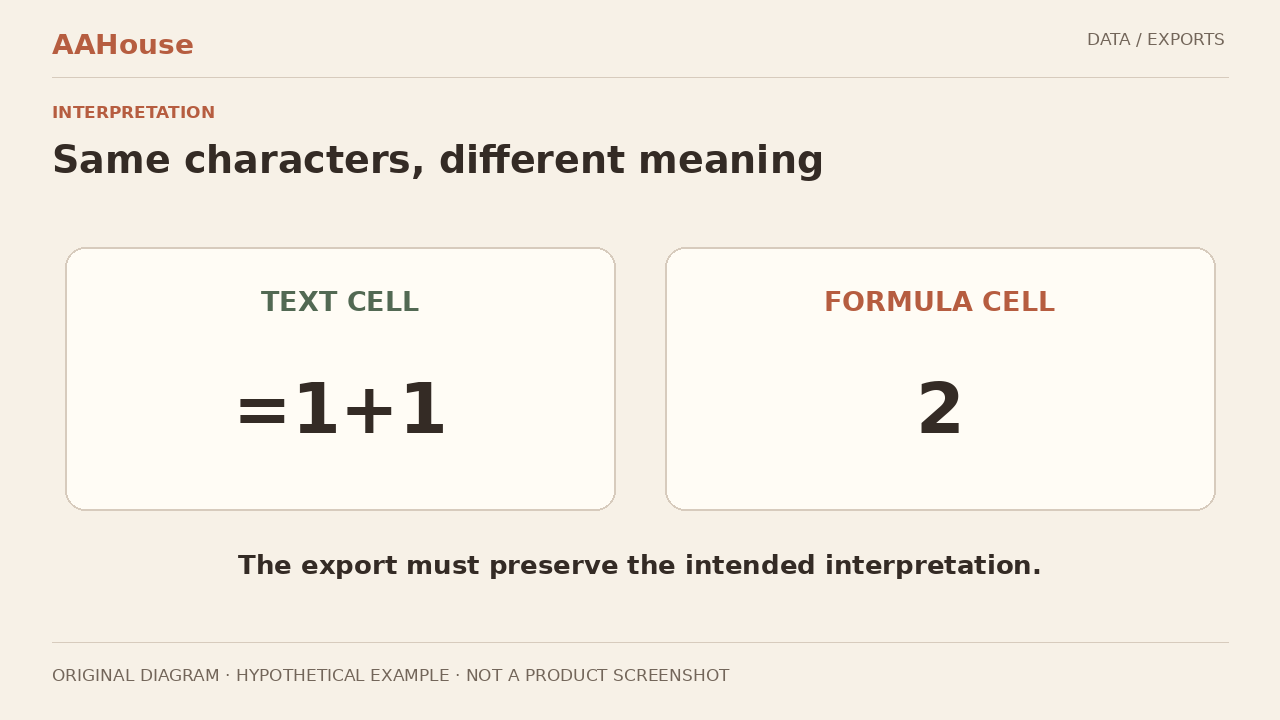
A harmless illustration is the string “=1+1.” As a note, the intended value is the original text; interpreted as a formula, it can produce two. OWASP describes CSV injection, and MITRE catalogs the corresponding weakness as CWE-1236.[1][2] No network request, command execution, or harmful payload is needed to explain the boundary. In this example, the customer supplied data, not permission to add calculation logic to an employee’s workbook.
Decide what each column means
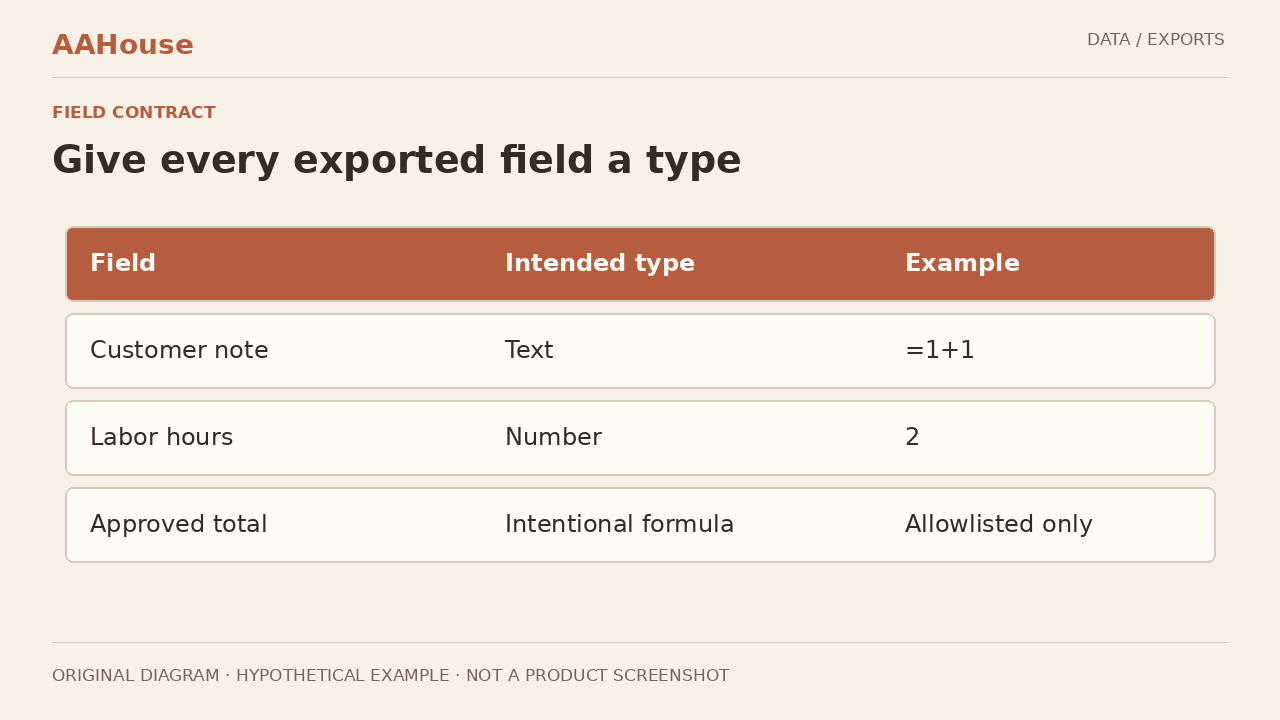
Write a small column contract before choosing an escaping trick. Customer notes and ticket identifiers are text. Labor hours are validated numbers. Intentional formulas belong only to an approved template. Microsoft explains that opening a CSV uses current default data-format settings to interpret its columns.[3] Record the intended import method and column types. An AI-generated summary should not acquire formula privileges simply because it came from an internal application.
Quotation marks are not a guarantee
Keeping CSV fields separated correctly and preventing unintended formula interpretation are different jobs. OWASP warns that save-and-reopen behavior can undermine familiar quoting or escaping approaches, and that one sanitization strategy does not suit every spreadsheet application and downstream consumer.[1] Treat the chosen protection as a behavior to verify in the actual target, not a promise implied by the filename. Merely adding quotation marks is not an acceptance test. Make untested destinations and operations visible to the person accepting the export, rather than hiding them behind a generic security label.
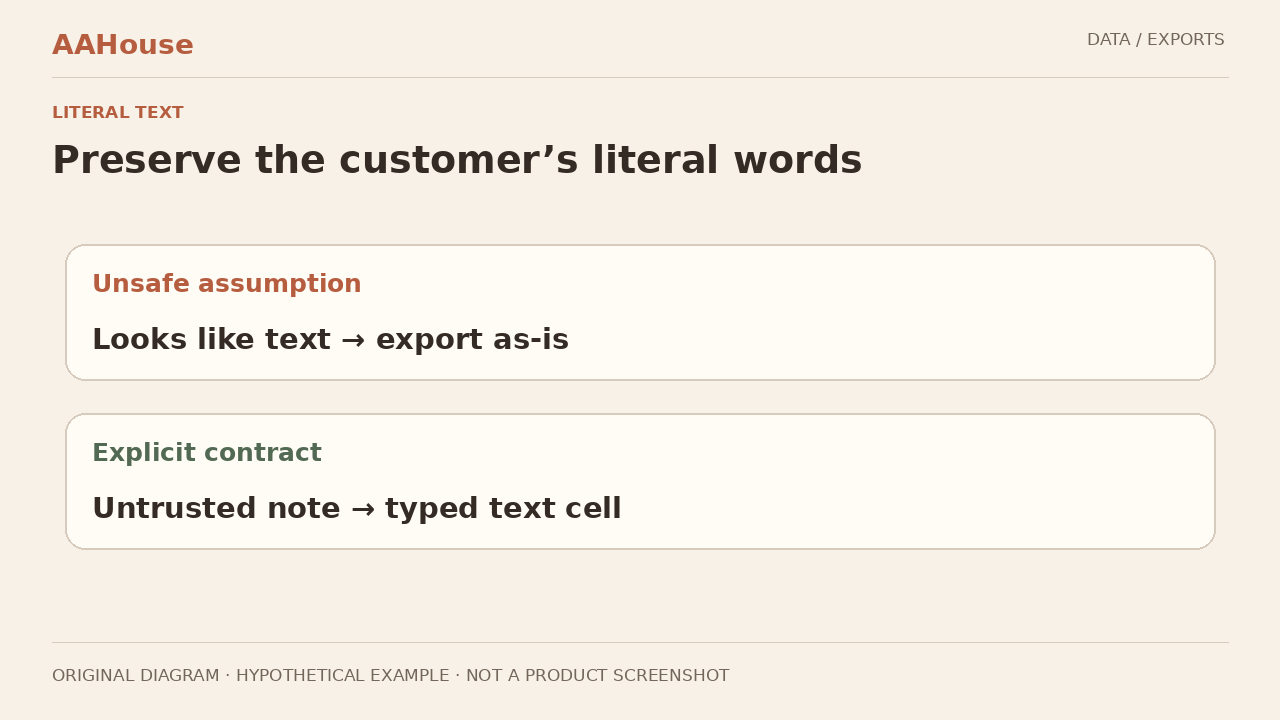
Two uses, two delivery contracts
For a staff-facing workbook, consider an exporter that explicitly writes untrusted content as text cells. For a machine-facing CSV, preserve the agreed data semantics and document how the receiving system parses them. This is a design recommendation, not a claim that an extension makes a file safe. Keep original business values separate from any presentation transformation. Label the intended consumer so colleagues do not casually swap the human-view and machine-import files. A workaround that changes an identifier may solve one display problem while creating a reconciliation problem elsewhere.
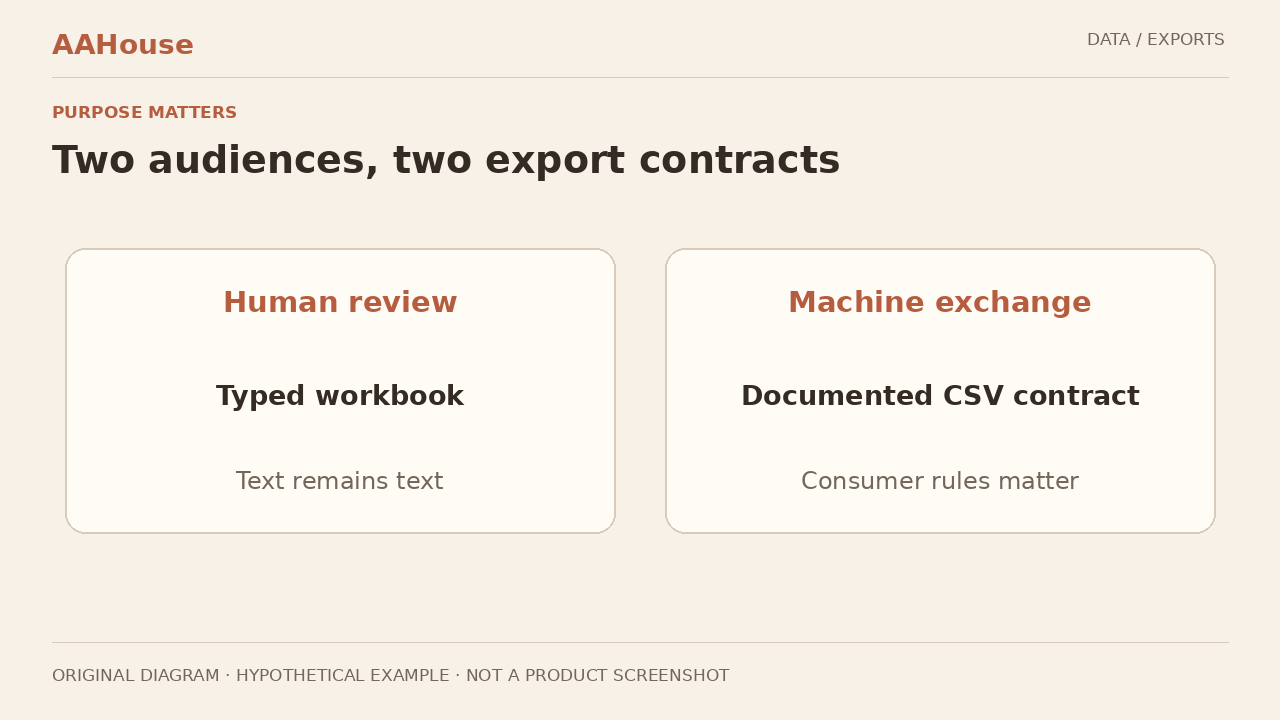
Include the round trip
Build fixtures with invented notes, leading-zero identifiers, legitimate negative numbers, commas, quotes, and line breaks. Test opening, saving, closing, reopening, and re-importing through the supported workflow. Record the application, version, settings, and expected text or numeric value. Check both sides of the outcome: no unintended formula and no damaged content or shifted columns. These are proposed tests; this article does not claim to have run them against your staff’s software.
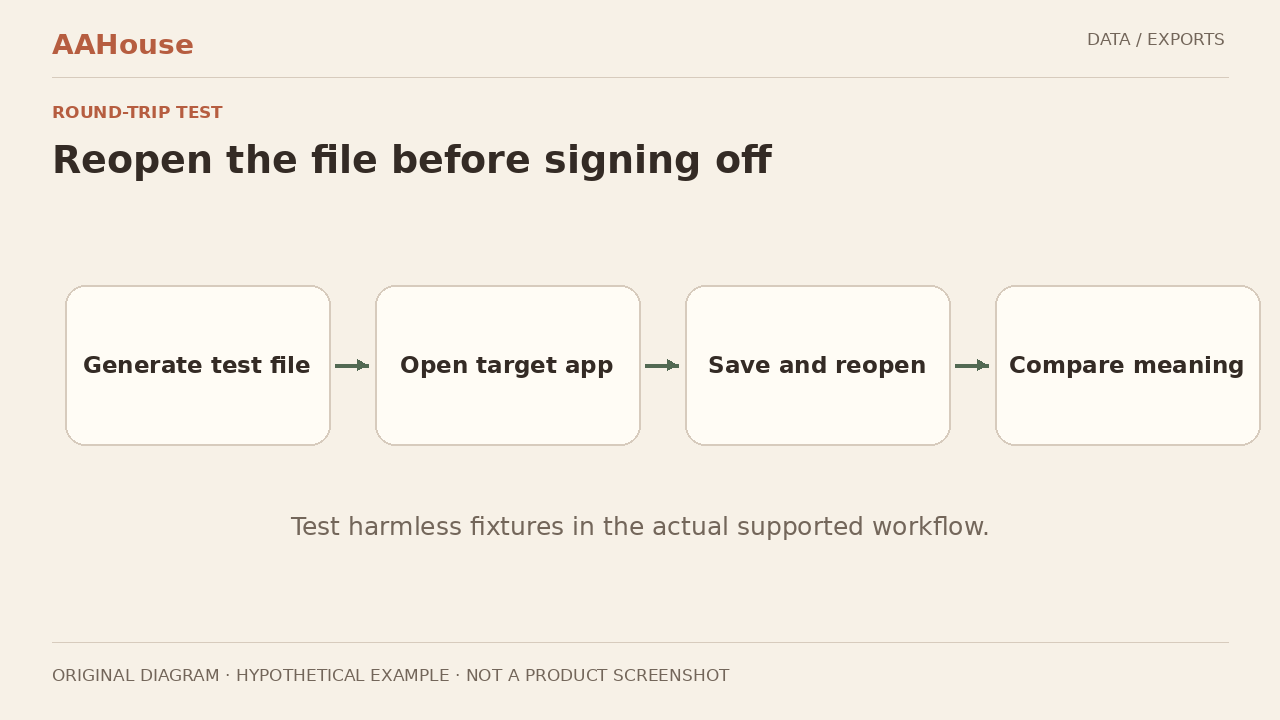
Give the exporter the rule
The model can help organize prose, but it should not be the only safeguard deciding how exported cells behave. Our recommendation is to maintain the column contract, deterministic serialization, and regression fixtures in the export layer. Rerun the fixtures after template changes or a switch of spreadsheet tools. If a destination is unsupported, offer a reviewable alternative presentation while investigating. Do not train staff to dismiss security warnings to make the workflow convenient.
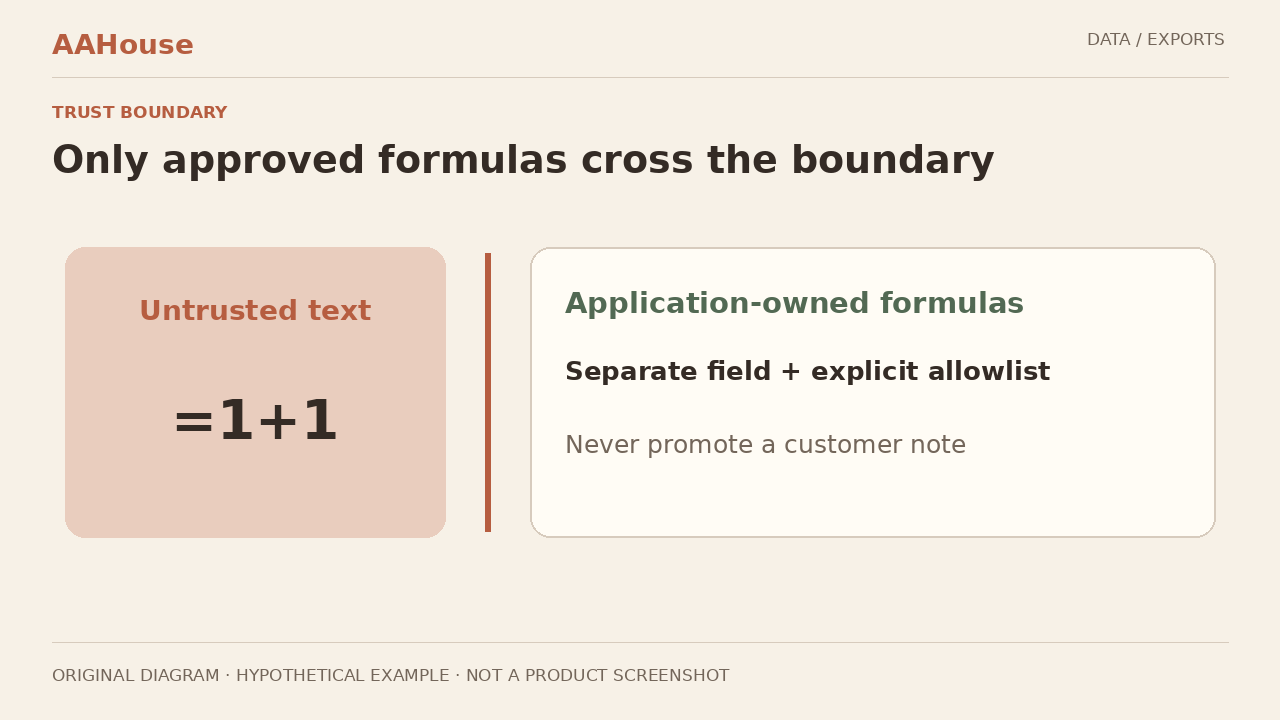
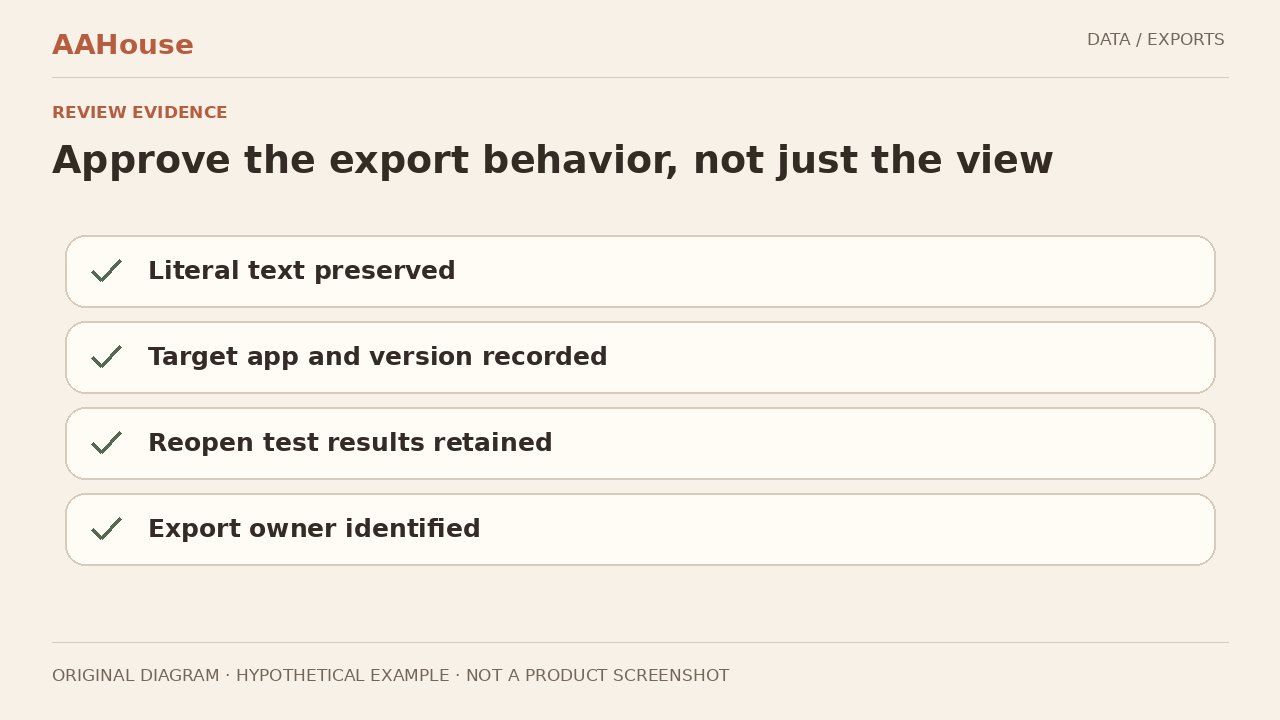
A bounded acceptance decision
Start with one frequently used export. Have its business owner confirm the meaning of each column, the developer retain the test evidence, and a staff member check the reading and onward-import workflow. Approval should name supported tools and operations, rather than say simply “safe.” Reduced cleanup effort is a useful measurement goal, not a benefit to claim before observation. The practical result is a documented boundary between customer content and executable spreadsheet behavior.