
Workflows · Guide
An AI email has two bodies. Keep the promise the same.
Compare HTML and plain-text email alternatives so facts, next steps and links preserve the same business promise.
An AI email has two bodies. Keep the promise the same.
Original AAHouse explanatory video. AI-assisted conceptual visuals and neural narration; original music.
English transcript · Simplified Chinese Mandarin transcript · Taiwan Mandarin transcript · Macao Cantonese transcript
One email, two different promises
Imagine a U.S. studio using AI to draft a pickup notice. The HTML version on the review screen says Friday, while the plain-text version retains Thursday from an earlier draft. This is not two separate emails sent to two customers. It is two bodies inside one message. Reviewing only the polished view can miss a conflicting promise. This is a hypothetical case, not a reported customer incident.
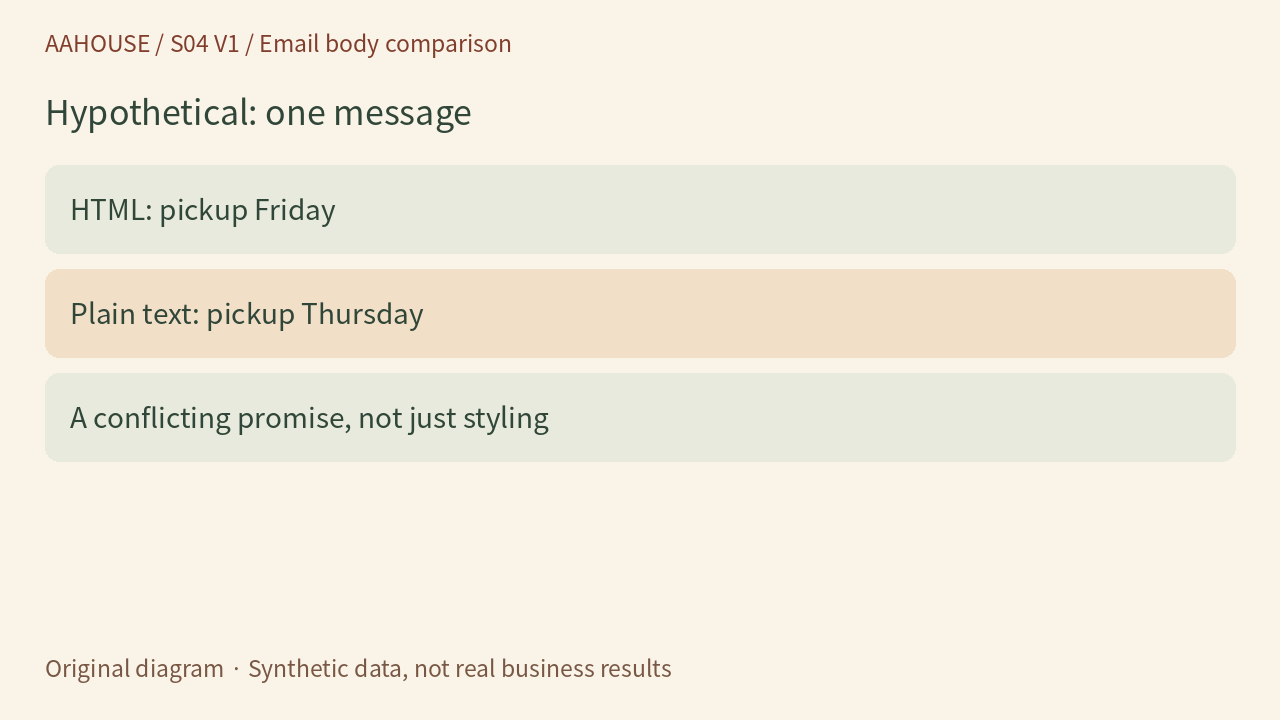
- HTML: pickup Friday
- Plain text: pickup Thursday
- A conflicting promise, not just styling
Original diagram · Synthetic data, not real business results
Put both bodies on the review desk
MIME multipart/alternative represents the same information in different forms, with the receiving software choosing according to its capabilities and preferences.[1] Amazon SES documentation also shows plain text and HTML within one message.[2] Review each body in the final assembled email, not only the editor preview. Do not assume every recipient sees the version you see.
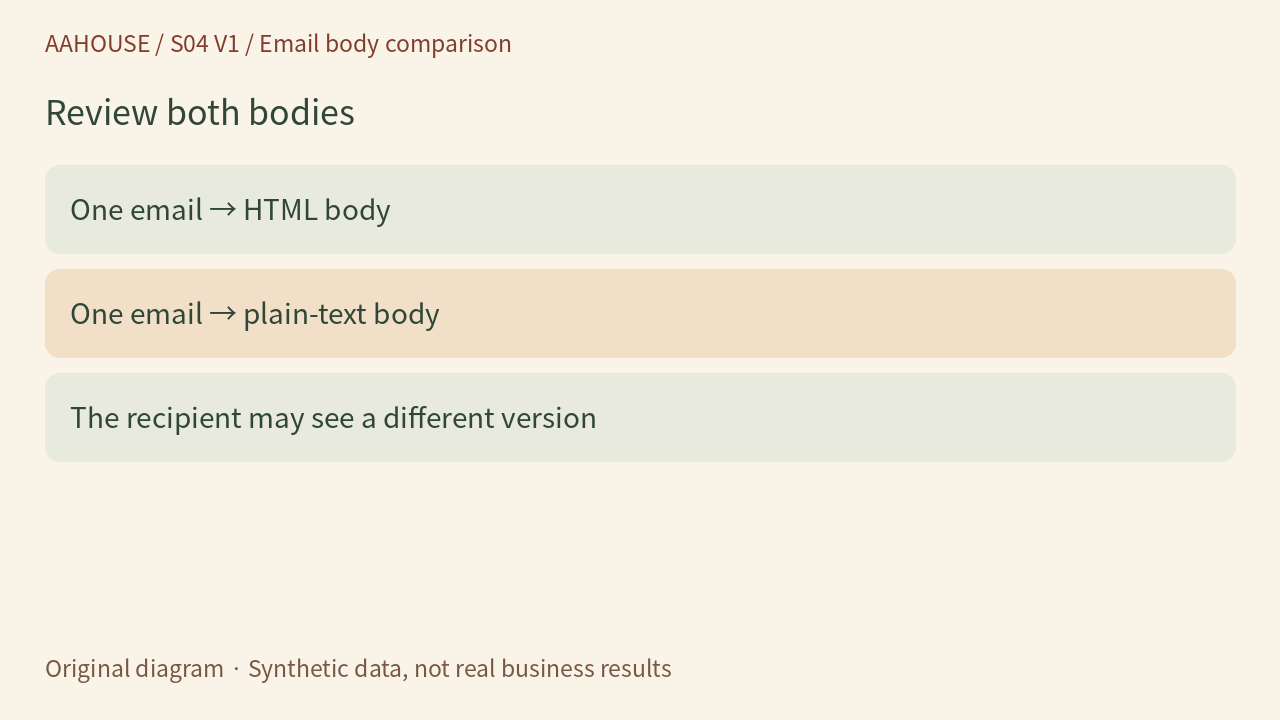
- One email → HTML body
- One email → plain-text body
- The recipient may see a different version
Original diagram · Synthetic data, not real business results
Confirm the facts once, then create two layouts
Our recommendation is to fix the pickup date, address, order identifier and next action before generating both bodies from the same confirmed content. AI may adjust the tone; two independent rewrites should not each decide the date. If HTML adds “bring your confirmation,” plain text must convey that requirement too. Fonts and buttons can differ. What the customer must do cannot.
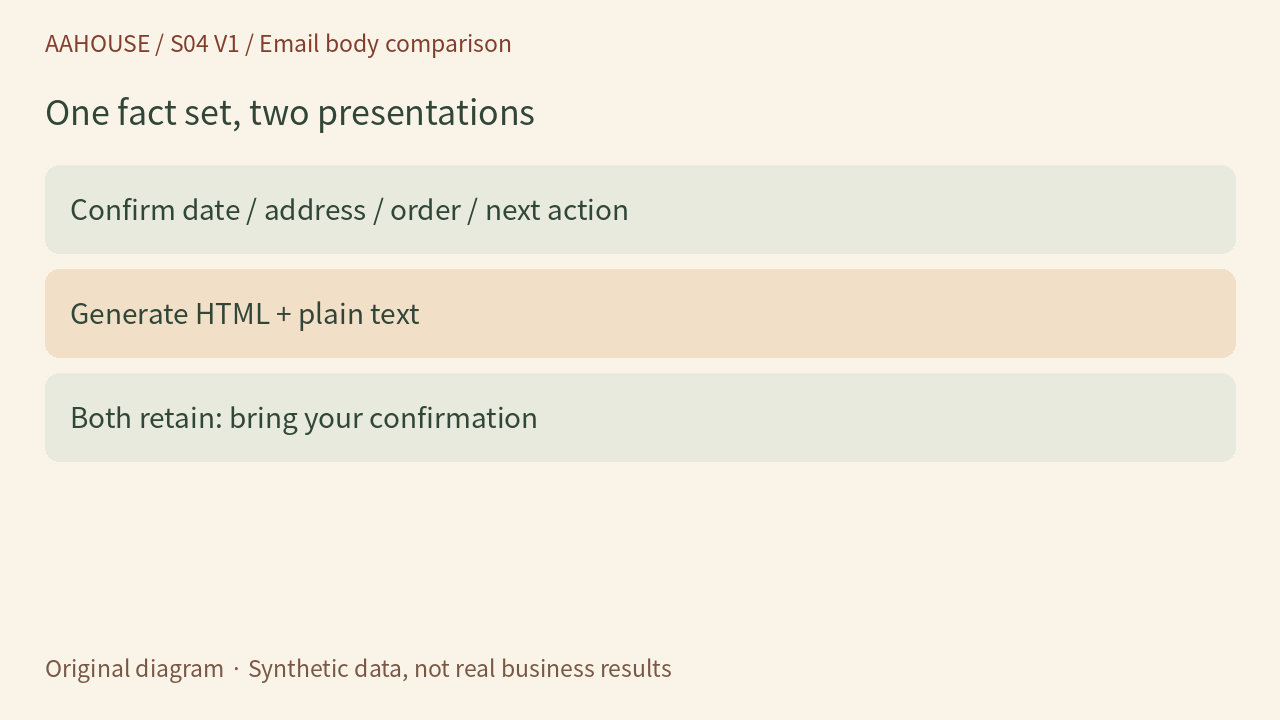
- Confirm: date / address / order / next action
- Generate HTML + plain text
- Both retain: bring your confirmation
Original diagram · Synthetic data, not real business results
When the button disappears, does the action survive?
When converting a “View pickup instructions” button into plain text, retain a usable URL as well as its label. Simply removing HTML tags can leave a label without any destination. Check that the destination is correct, but do not use real customers’ private access links in test fixtures. The goal is equivalent actions and meaning, not identical typography or word-for-word formatting.
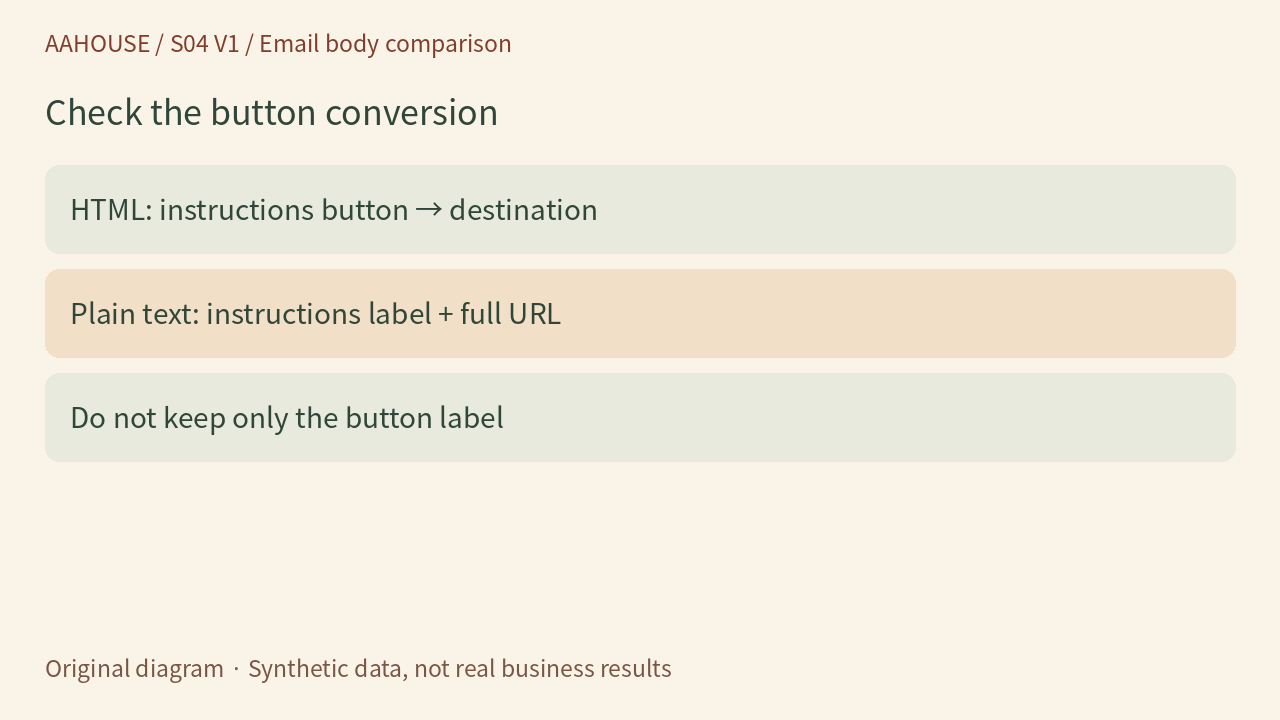
- HTML: instructions button → destination
- Plain text: instructions label + full URL
- Do not keep only the button label
Original diagram · Synthetic data, not real business results
Build a deliberately broken local fixture
For this article, we used a local Python email parser to read a synthetic message containing conflicting Thursday and Friday versions. We checked that both bodies could be extracted and that their dates differed. We then generated both from the same facts and checked the date and instructions URL. The experiment sends no email and does not establish compatibility with every mail client. Before real delivery, inspect both formats and mobile presentation in an authorized test mailbox.
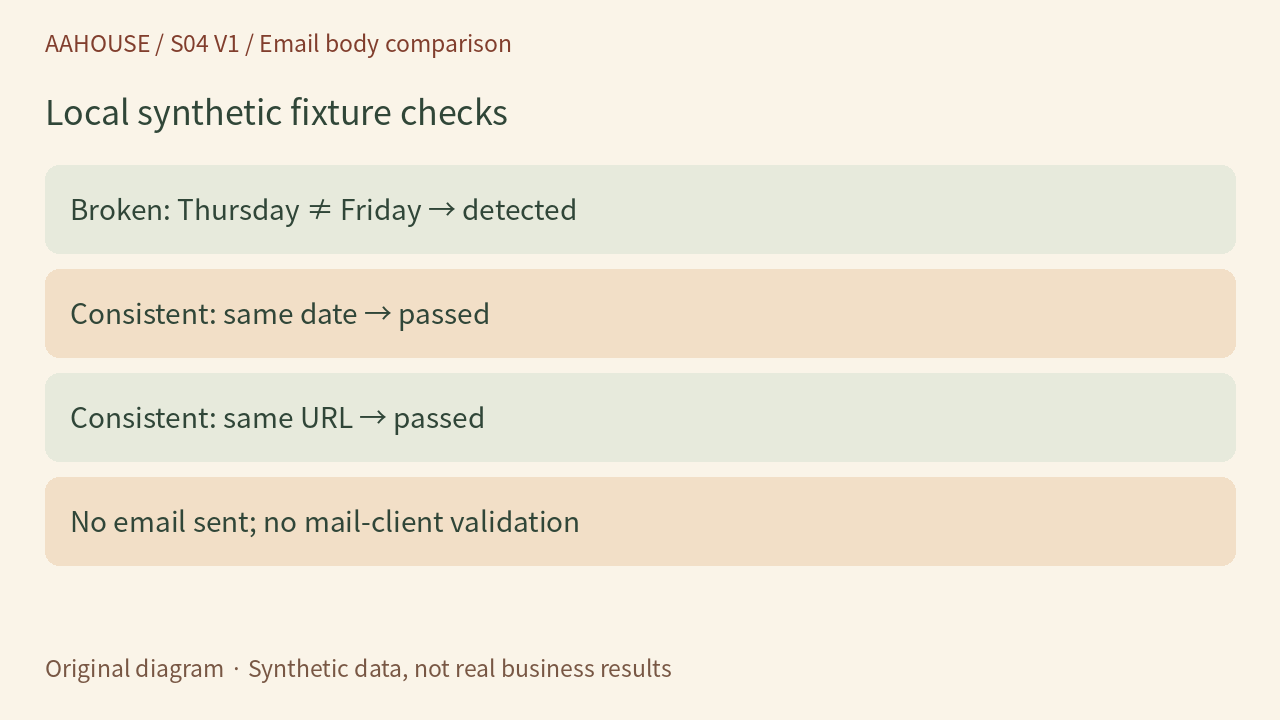
- Broken: Thursday ≠ Friday → detected
- Consistent: same date → passed
- Consistent: same URL → passed
- No email sent; no mail-client validation
Original diagram · Synthetic data, not real business results
Do not hand over only a screenshot
Give the reviewer the final HTML preview, the plain-text body and a check of the key facts. After changing either version, check both again. Acceptance can be specific: “Both say Friday pickup, the address agrees, and the action and link are complete.” Faster drafting is useful only when different ways of reading the message still deliver the same promise to the customer.
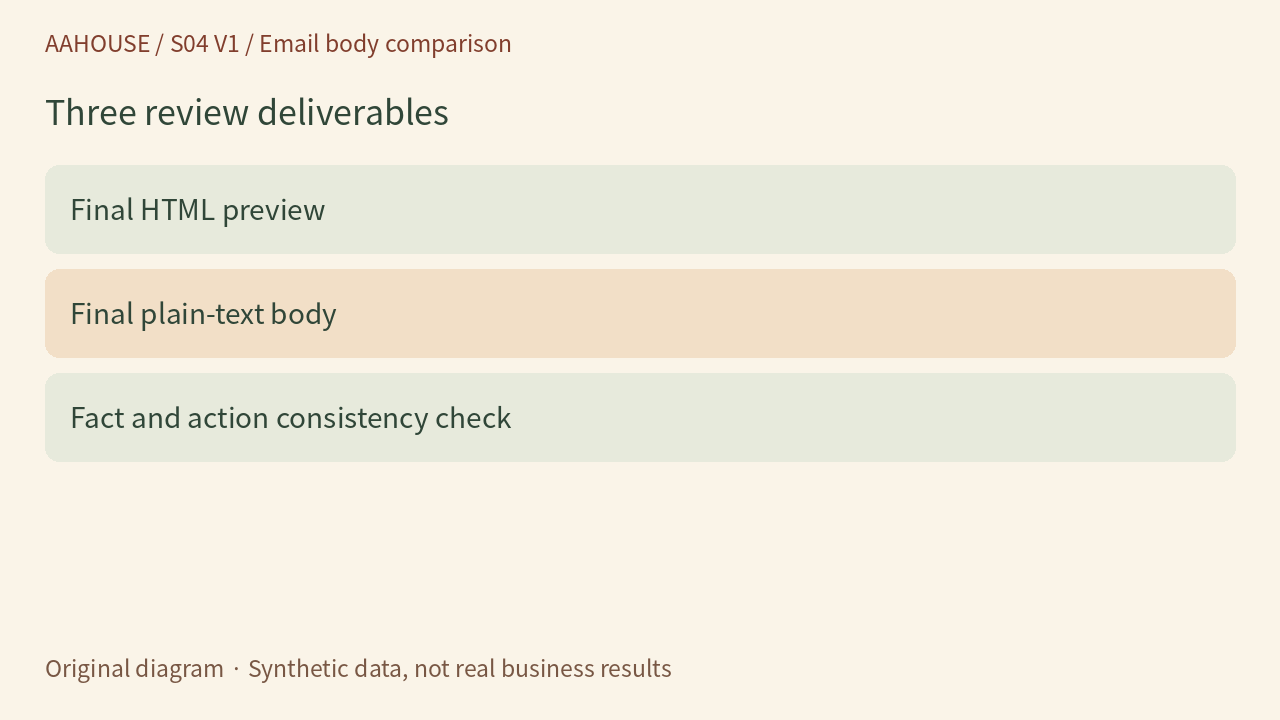
- Final HTML preview
- Final plain-text body
- Fact and action consistency check
Original diagram · Synthetic data, not real business results