
Operations · Guide
The old status your AI sees may be in a cache
Distinguish business update times, retrieval times and HTTP cache freshness before treating a displayed appointment as confirmed.
The old status your AI sees may be in a cache
Original AAHouse explanatory video. AI-assisted conceptual visuals and neural narration; original music.
English transcript · Simplified Chinese Mandarin transcript · Taiwan Mandarin transcript · Macao Cantonese transcript
“I refreshed it.” Why is the status still old?
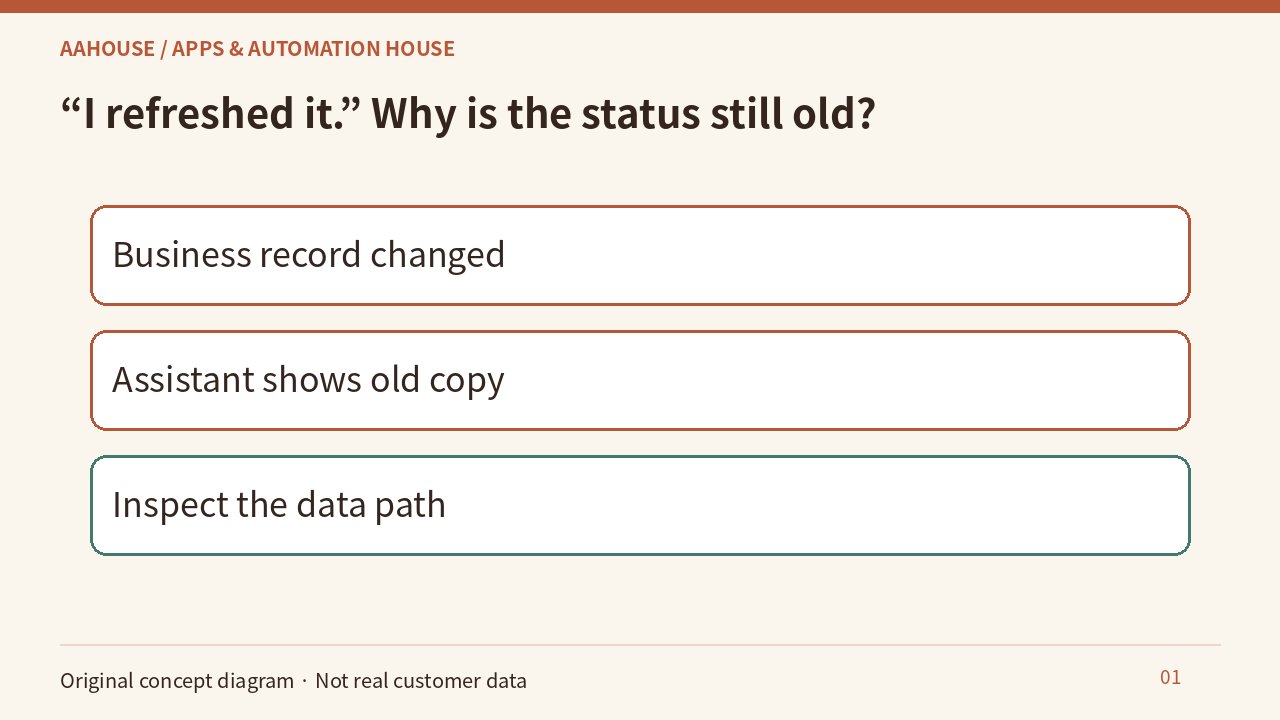
Imagine a support assistant at a U.S. repair business. The source system now shows an afternoon appointment, but the assistant still shows morning. This fictional investigation does not establish a product defect. Before rewriting a prompt, consider the browser, intermediary caches, and application-level caches. Ask where and when the data was obtained before blaming the model’s interpretation.
- Business record changed
- Assistant shows old copy
- Inspect the data path
Unchanged original source explanatory diagram.
Evidence one: business time is not page time
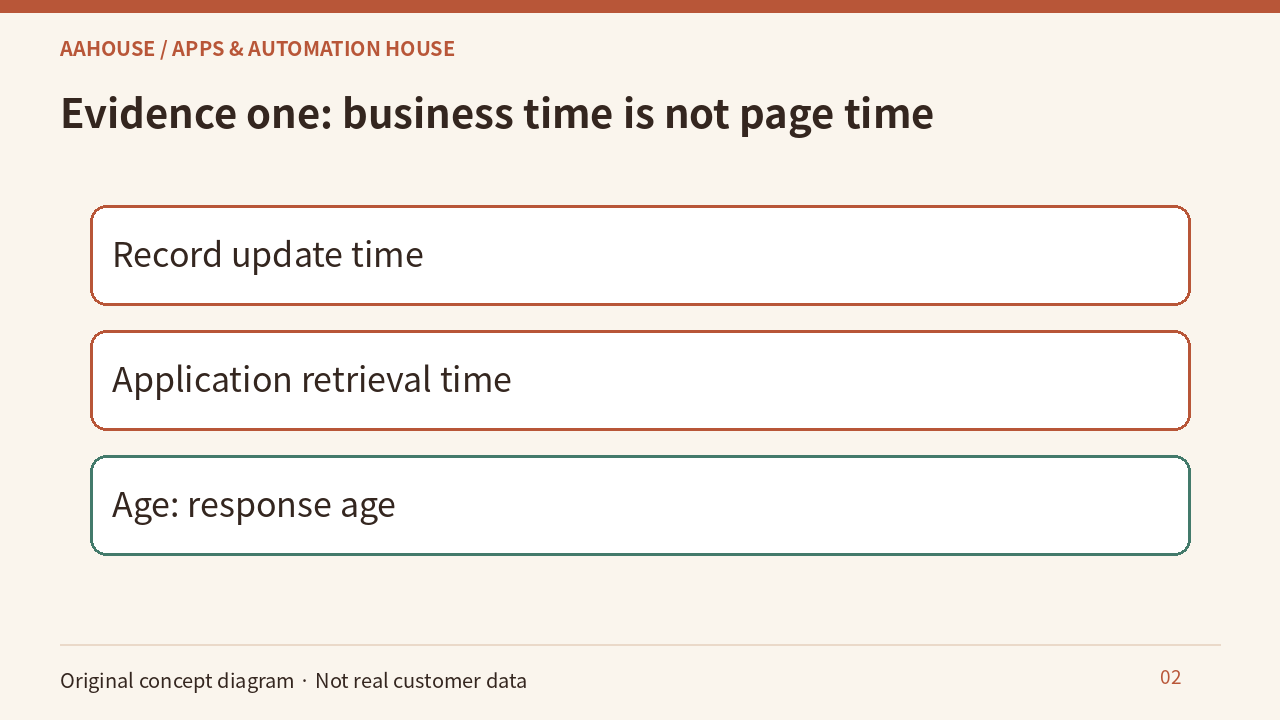
Our recommendation is to expose both the business record’s update time and the application’s retrieval time. They answer different questions. RFC 9111 defines Age as an estimate of time since a response was generated or successfully validated, not when a business record changed.[1] Opening a page now, or seeing a small Age, does not by itself prove an appointment remains valid.
- Record update time
- Application retrieval time
- Age: response age
Unchanged original source explanatory diagram.
Evidence two: similar names, different requirements
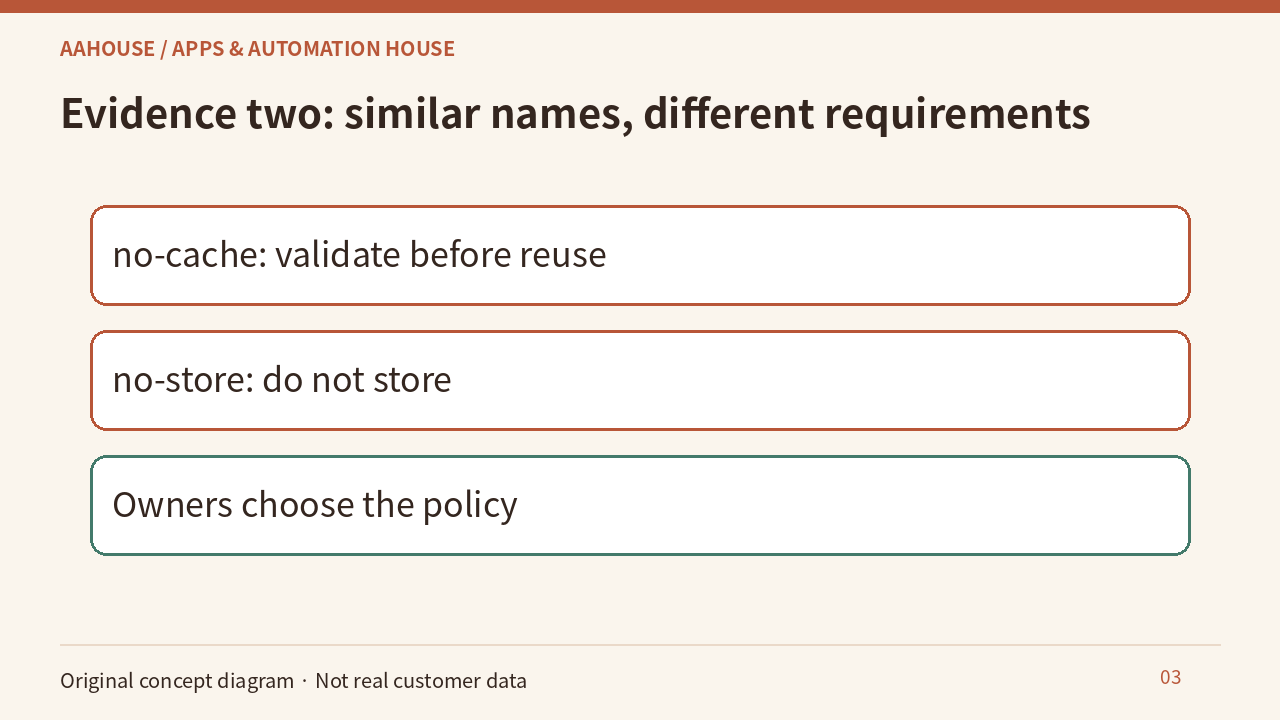
MDN explains that the no-cache response directive permits storage but requires validation before reuse. The no-store directive tells caches not to store the response.[2] Do not read no-cache as “never stored.” Engineering and data owners should choose the policy rather than asking AI to infer it from the name. Validation need not transfer the complete content again.
- no-cache: validate before reuse
- no-store: do not store
- Owners choose the policy
Unchanged original source explanatory diagram.
Evidence three: a new header may leave an old copy
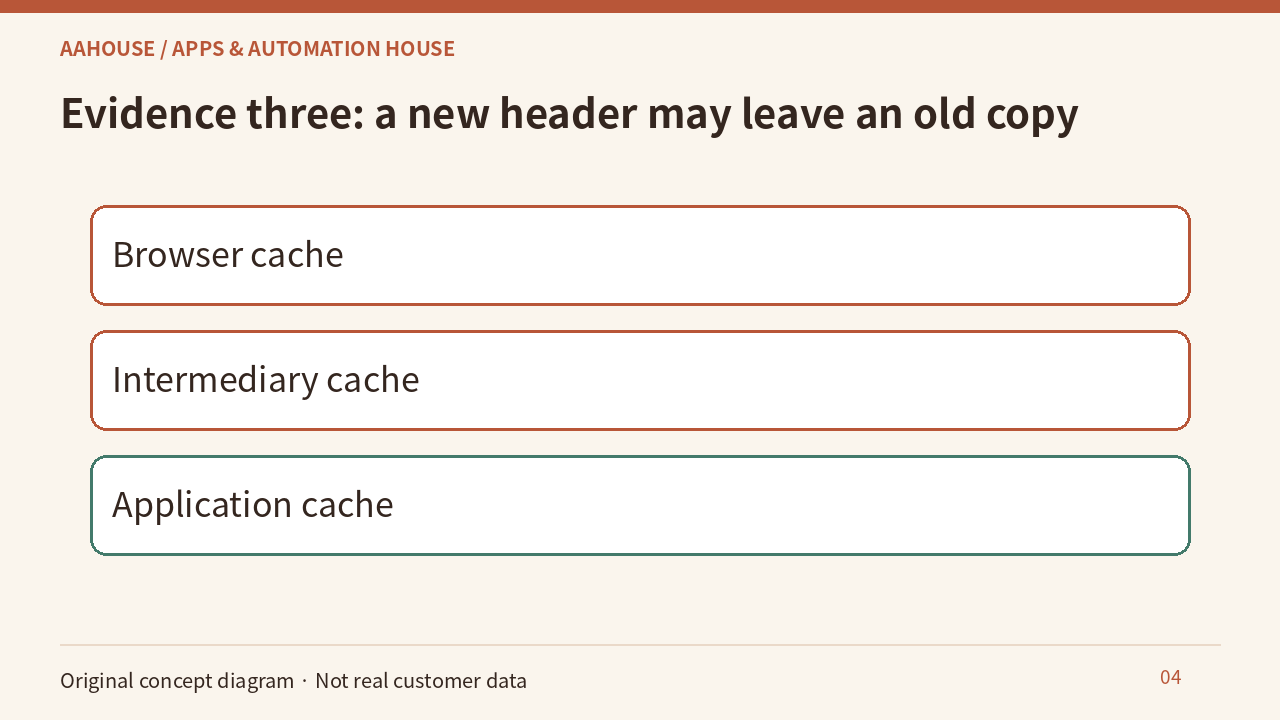
MDN notes that cache directives do not clear responses already stored on intermediary servers.[2] Our troubleshooting recommendation is to map the browser, delivery layer, and application cache, then verify each layer’s update or invalidation behavior. Adding a header is not proof that historical copies disappeared. Avoid indiscriminately clearing unrelated data during an investigation.
- Browser cache
- Intermediary cache
- Application cache
Unchanged original source explanatory diagram.
Separate technical freshness from a business promise
RFC 9111 treats a response as fresh while it remains within its freshness lifetime.[1] That is not a real-time business guarantee. Our recommendation is to separate browsing from commitment: recheck the authoritative system under business rules before confirming an appointment. If verification fails, say it is unconfirmed. Caching policy does not replace access control or authorization.
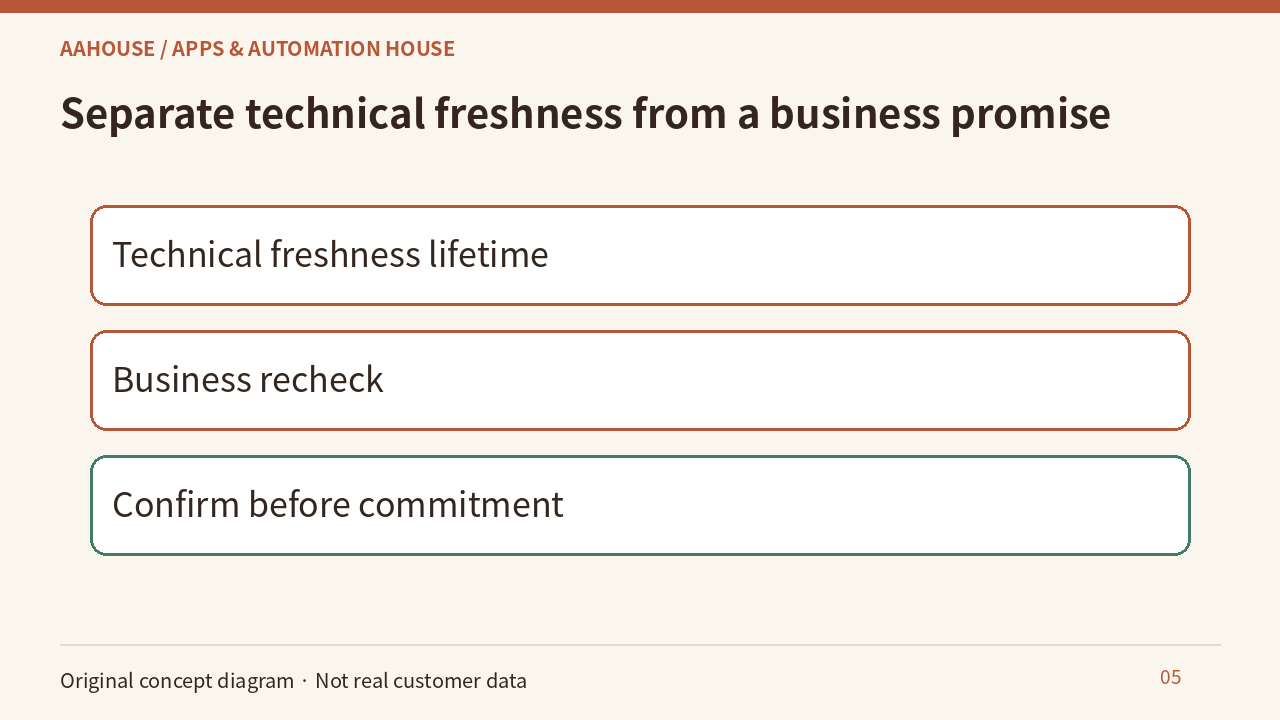
- Technical freshness lifetime
- Business recheck
- Confirm before commitment
Unchanged original source explanatory diagram.
Finish with a reproducible experiment
Use a fictional appointment: read its morning status, change the source to afternoon, then compare an ordinary visit, a reload, and application-cache invalidation. Record the responding layer, actual headers, and business timestamps rather than “refresh fixed it.” These are proposed tests, not customer-system results. Define acceptance explicitly, such as preventing the confirmation screen from treating an outdated copy as a current commitment.
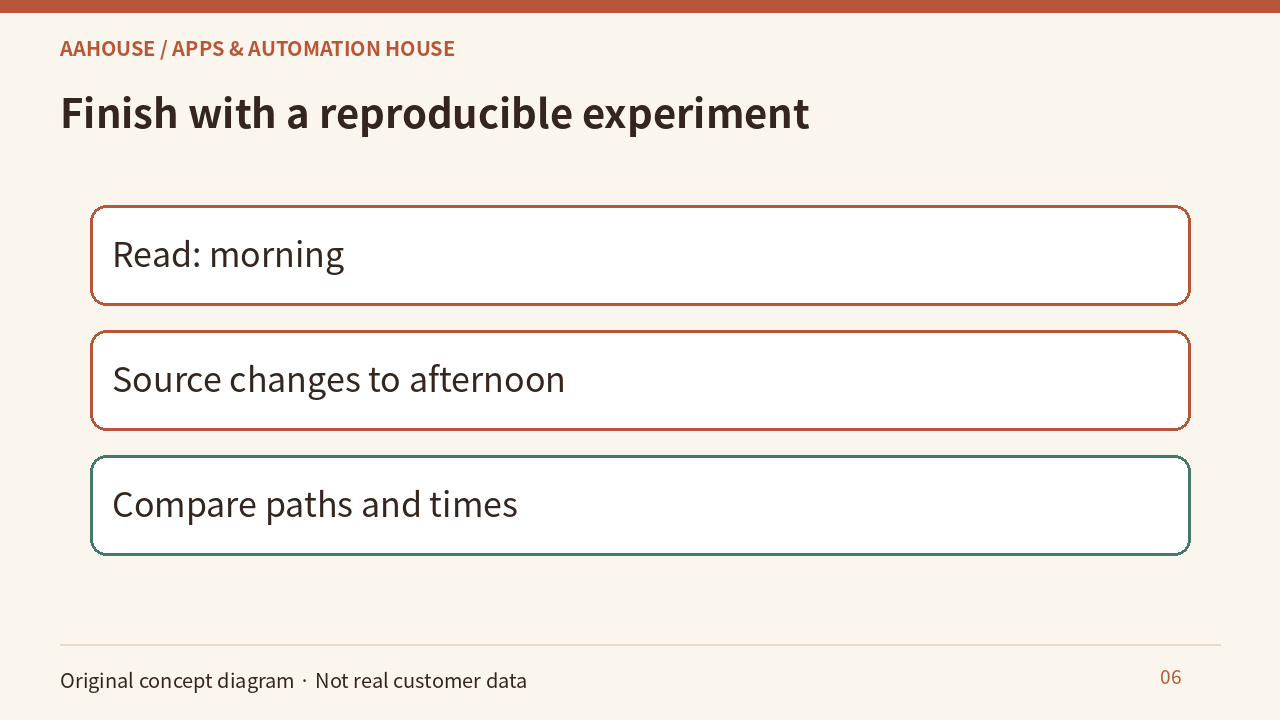
- Read: morning
- Source changes to afternoon
- Compare paths and times
Unchanged original source explanatory diagram.