
Security · Guide
Every workflow notification is a small data export
Reduce accidental disclosure by separating event signals from sensitive details.

A convenient message can cross a boundary
An illustrative approval workflow sends a full customer document to a shared team channel whenever AI flags an exception. The channel membership is broader than the application’s access list. Treat notification destinations as data recipients, not merely interface preferences. Inventory email addresses, chat channels, mobile pushes, and escalation groups. Ask which people can see each destination and whether that matches the record’s permission policy.
Send the signal, retrieve the detail
A proposed default sends a short event label and a link to the authorized application view. Recheck access when that link is opened. Avoid embedding sensitive names in subjects that appear on lock screens or forwarding previews. Some workflows need richer notifications, but require a reason and an owner for that exception. The model should not invent a destination from document text or add recipients because they appear relevant.
Workflow at a glance
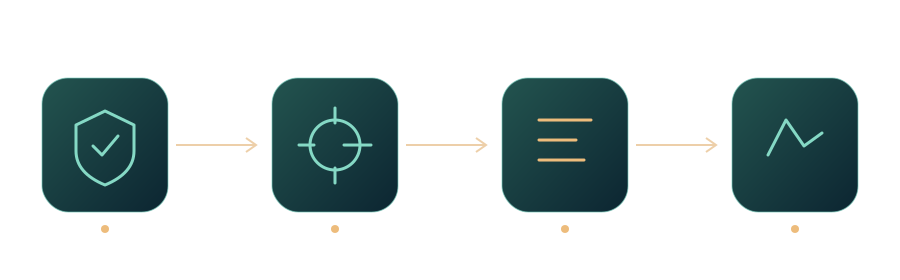
Handle membership changes
When staff move teams or leave, update notification routing alongside application access. Test whether a queued reminder still contains an old recipient list. Use destination identifiers from controlled configuration and validate the current assignment before sending. AWS IAM’s policy material illustrates bounded permissions at the infrastructure layer; the business-level recipient check remains the application’s responsibility, even when the delivery service itself is properly secured.
Measure actionability without over-sharing
Pilot several notification templates with synthetic examples and ask reviewers whether they can identify the needed action. Track unnecessary opens, misrouted messages, and unresolved alerts. If a short message is insufficient, add a safe reason code before adding document content. A link-based design is not an absolute protection against copying, but it keeps access decisions closer to the source and makes revocation behavior easier to explain.
Review a lock-screen preview
Use a synthetic approval to inspect phone lock-screen and email-subject previews. Could a bystander infer a sensitive relationship? Move unnecessary details behind authentication and test forwarding. A message that looks harmless on a developer’s desktop may disclose more on the device employees actually use.
Sources and further reading
- Policies and permissions in AWS Identity and Access ManagementPolicies and permissions in AWS Identity and Access ManagementAWS · Documentation ·
- Logging Cheat SheetLogging Cheat SheetOWASP · Documentation ·
Editorial approach
AI-assisted original writing, checked against linked public sources. Practical recommendations and illustrative scenarios are editorial analysis, not reported client results. Source dates and product details may differ from this collection’s preparation date.