
Data · Guide
Confirm the day before AI translates the date
Confirm ambiguous dates before translation, then compare the original, verified calendar day and stored value across the handoff.
Confirm the day before AI translates the date
Original AAHouse explanatory video. AI-assisted conceptual visuals and neural narration; original music.
English transcript · Simplified Chinese Mandarin transcript · Taiwan Mandarin transcript · Macao Cantonese transcript
One line, two plausible dates
Put 11/12/2026 on a fictional U.S. equipment-rental request and ask AI to translate it into Chinese. If the intended date is November 12, a translation saying December 11 changes the delivery date. Both are valid calendar dates, so a basic format check may miss the problem. This synthetic example concerns cross-language handoffs, not a reported customer incident.
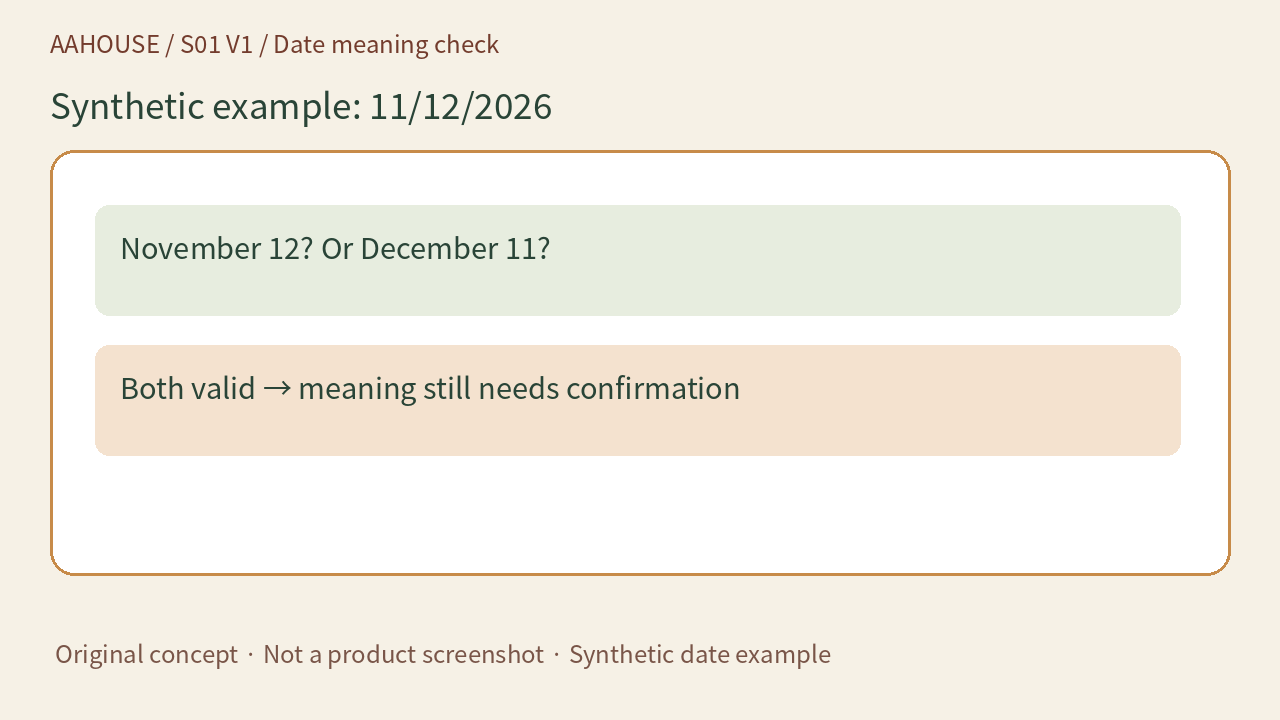
- November 12? Or December 11?
- Both valid → meaning still needs confirmation
Original concept · Not a product screenshot · Synthetic date example
Keep the original before resolving the meaning
For a slash-separated date, retain the original string and the source field’s documented format. If the format was not explicitly agreed, ask the submitter to confirm the month and day rather than letting a model guess from the surrounding language. After confirmation, keep both the verified date and the original. Translation can change the presentation, but it cannot replace factual confirmation.
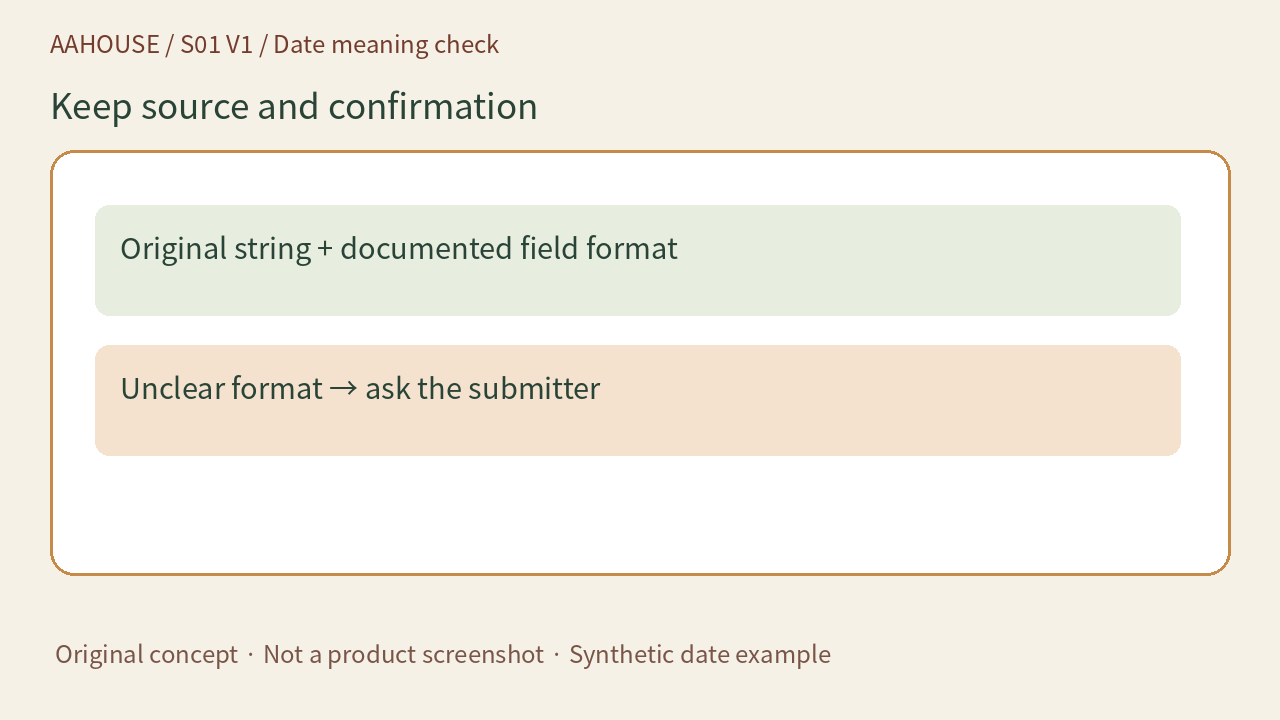
- Original string + documented field format
- Unclear format → ask the submitter
Original concept · Not a product screenshot · Synthetic date example
Display and storage can use different forms
MDN explains that an HTML date input’s display depends on the browser locale, while its value uses yyyy-mm-dd.[1] A review sheet can therefore show November 12, 2026 and 2026 年 11 月 12 日, while the interface stores 2026-11-12. These forms should identify the same day. A screenshot alone does not establish what value was submitted.
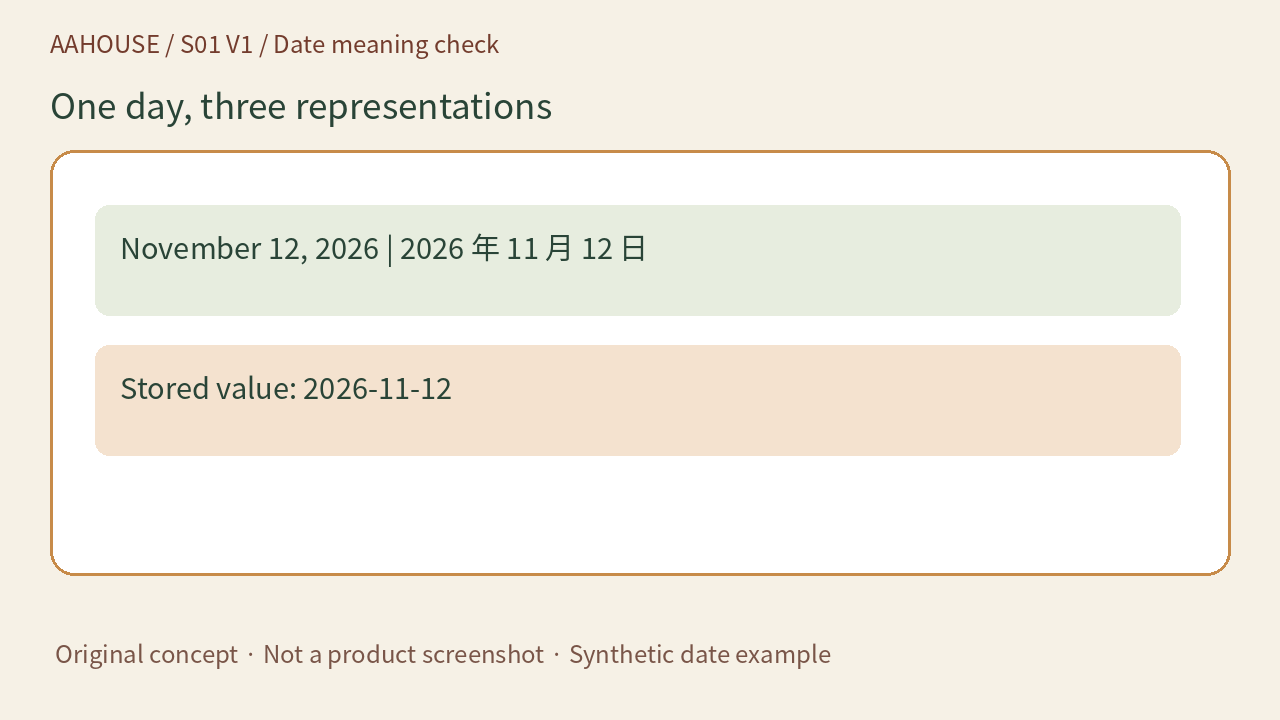
- November 12, 2026 | 2026 年 11 月 12 日
- Stored value: 2026-11-12
Original concept · Not a product screenshot · Synthetic date example
Do not quietly turn a date into an instant
A delivery date may identify only a calendar day. RFC 3339 separately defines full-date and date-time, the latter including a time and offset.[2] Do not invent midnight UTC merely to fit a field and then convert it to a local time zone. If the business needs a delivery deadline at a specific instant, confirm the time and zone separately instead of asking AI to create them.
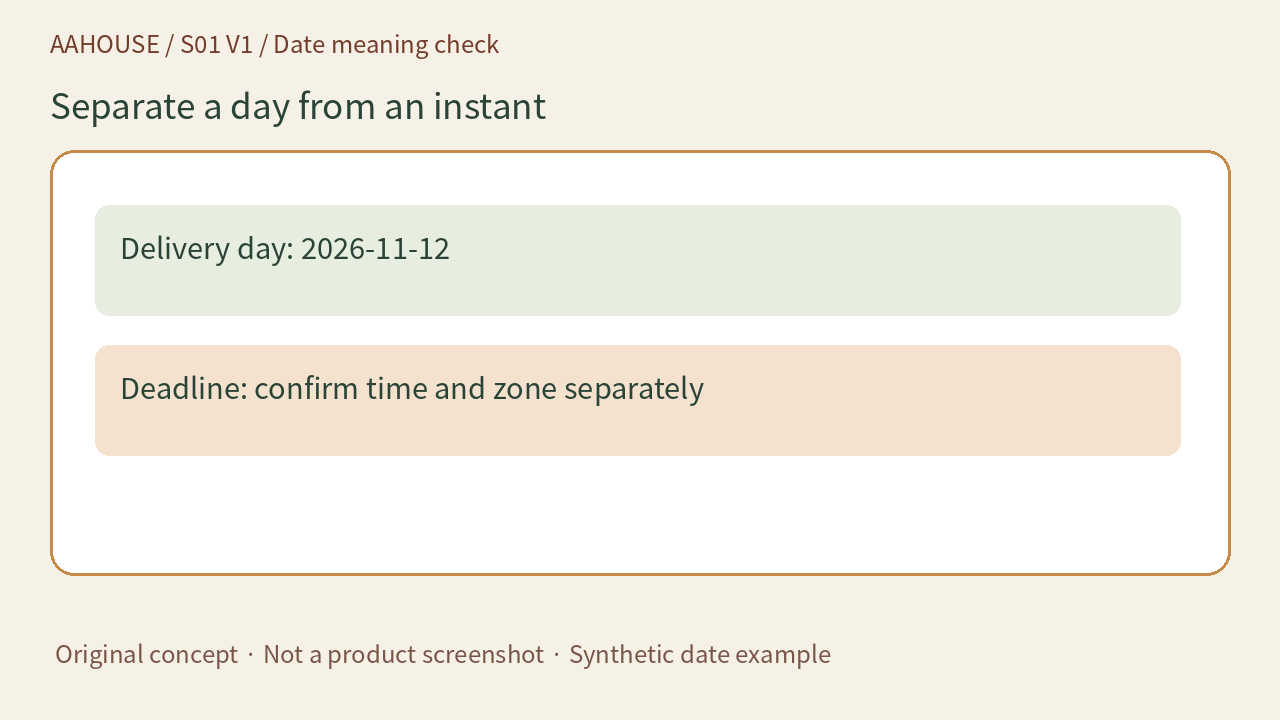
- Delivery day: 2026-11-12
- Deadline: confirm time and zone separately
Original concept · Not a product screenshot · Synthetic date example
Check the whole route with three test cards
Our proposed acceptance test uses an ambiguous slash-separated date, a date with an explicit month name and an impossible date. Send fictional data through input, translation, storage and export, inspecting the actual value at each stage. Record which inputs need clarification and which should be rejected. This is a proposed test plan, not a test performed on a customer system.
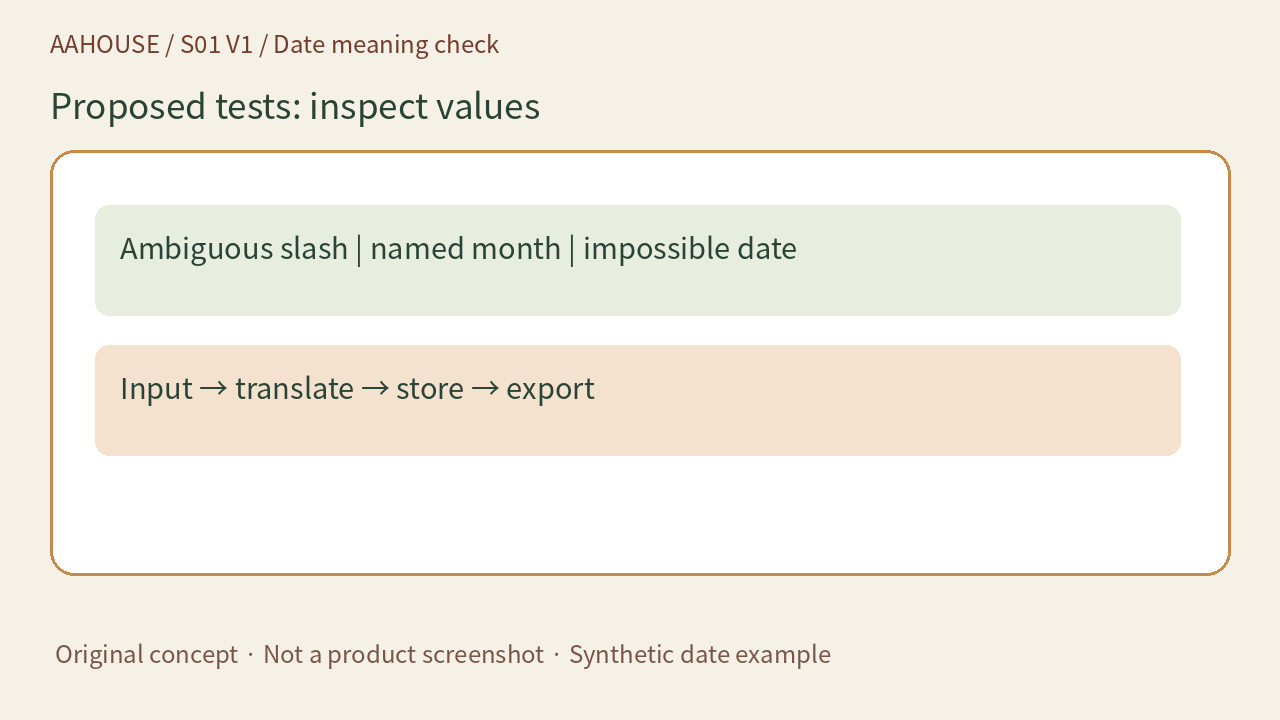
- Ambiguous slash | named month | impossible date
- Input → translate → store → export
Original concept · Not a product screenshot · Synthetic date example
Show the reviewer the actual day
On the handoff sheet, place the original, the confirmed year-month-day and the destination field side by side, with the person who confirmed the meaning. Checking only whether the translation reads smoothly can miss a changed business fact. Make date awaiting confirmation a visible state. An unanswered question is preferable to turning a fluent guess into a formal commitment.
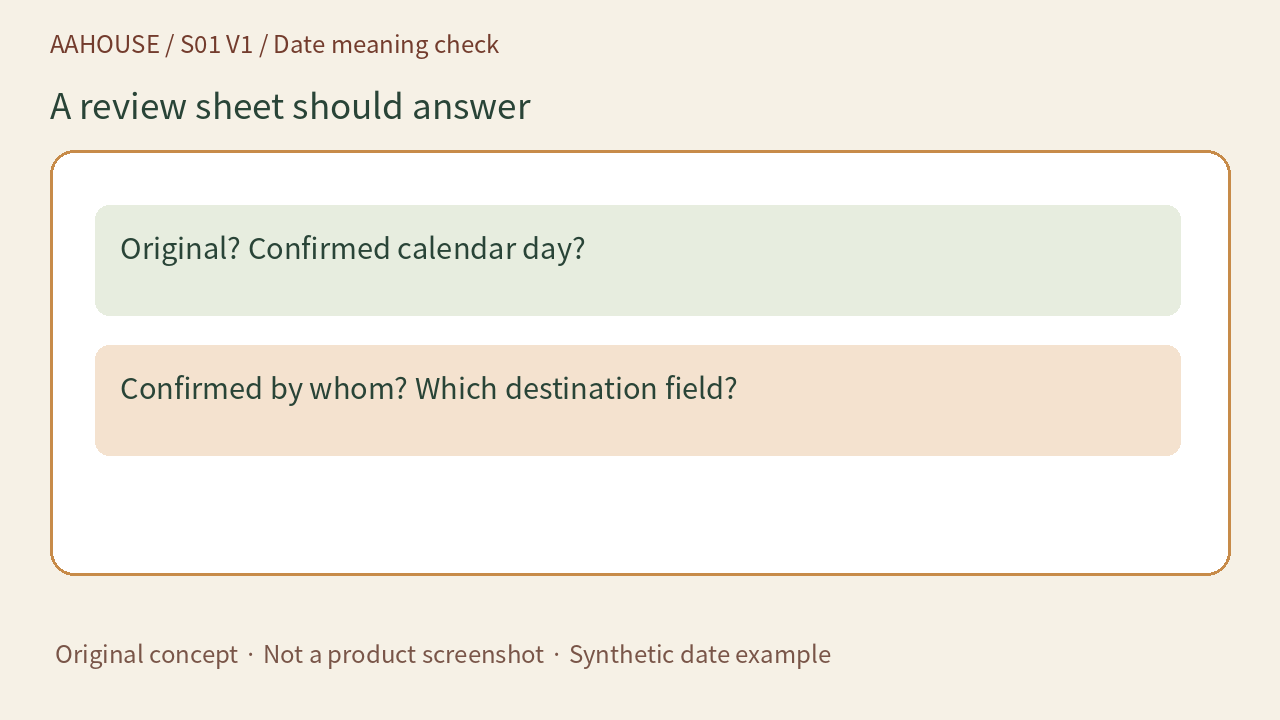
- Original? Confirmed calendar day?
- Confirmed by whom? Which destination field?
Original concept · Not a product screenshot · Synthetic date example