
Evaluation · Guide
Can a keyboard user enter and leave your AI review window?
Review keyboard entry, editing, closing and focus return in an AI draft-review modal using a proposed acceptance route.
Can a keyboard user enter and leave your AI review window?
Original AAHouse explanatory video. AI-assisted conceptual visuals and neural narration; original music.
English transcript · Simplified Chinese Mandarin transcript · Taiwan Mandarin transcript · Macao Cantonese transcript
Put the mouse aside
Imagine an employee at a U.S. repair business drafting a customer reply with AI. “Review draft” opens a modal dialog, which must be closed before the page behind it can be used. Now take the entire journey with a keyboard. Accurate prose is not enough if the employee cannot enter, edit or leave the review window independently. This is a fictional design-review scenario, not a customer test result.
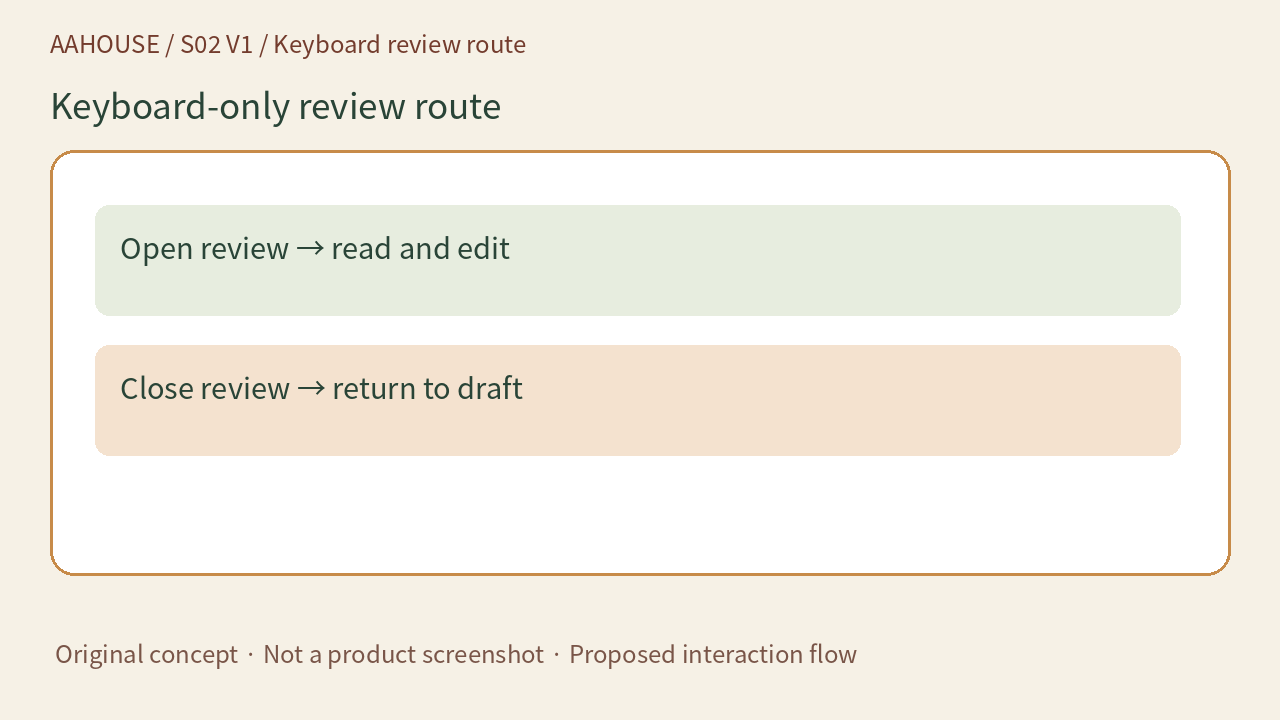
- Open review → read and edit
- Close review → return to draft
Original concept · Not a product screenshot · Proposed interaction flow
Stop one: know where you have arrived
W3C’s modal dialog pattern moves focus inside the dialog when it opens, but does not require always focusing the first button.[1] With a long draft, initial focus can go to a heading or static content near the top so users can understand the material from its beginning. Our recommendation is to label the task “Review reply draft” and distinguish editing from sending. An initial keystroke should not casually trigger an external send.
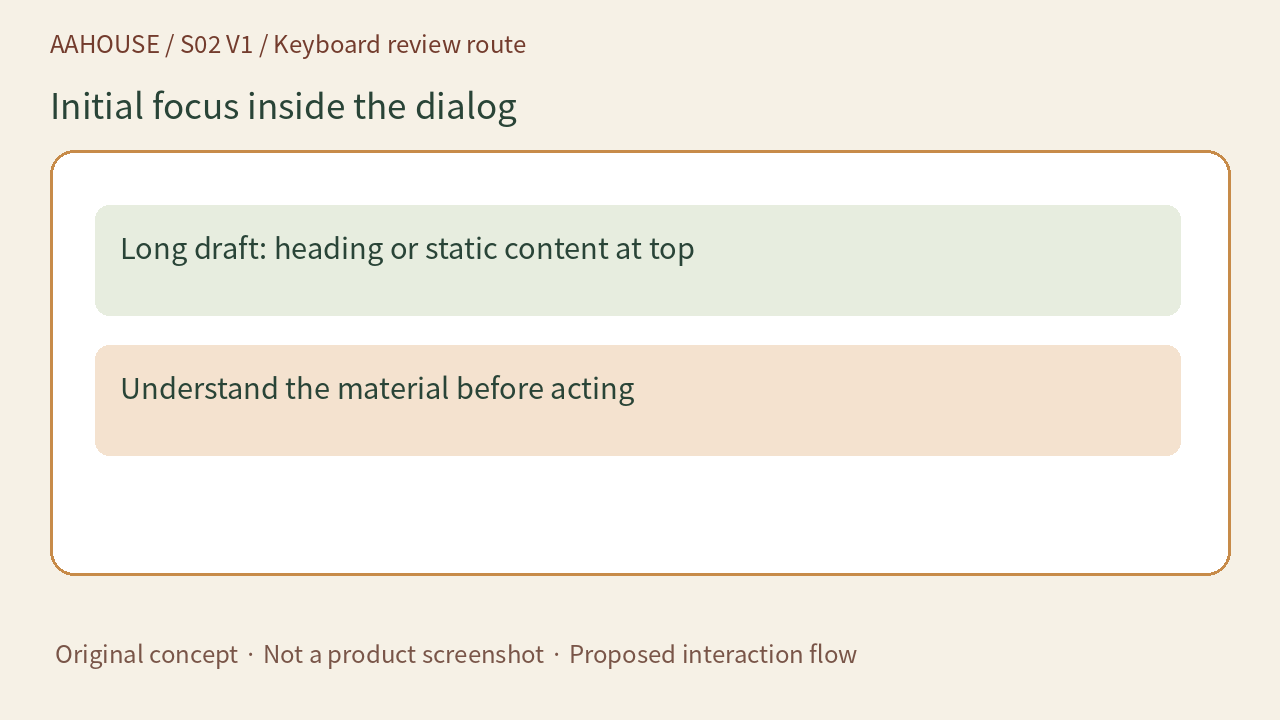
- Long draft: heading or static content at top
- Understand the material before acting
Original concept · Not a product screenshot · Proposed interaction flow
Stop two: make a circuit without falling behind
Tab should move between tabbable elements inside the dialog and wrap from the last to the first; Shift+Tab moves in reverse.[1] Record the actual controls reached, checking that editing, canceling and confirming are all available. The page behind a modal dialog should be unavailable for interaction, not merely covered by gray styling. A non-modal panel intended for side-by-side reading should not inherit this focus loop.
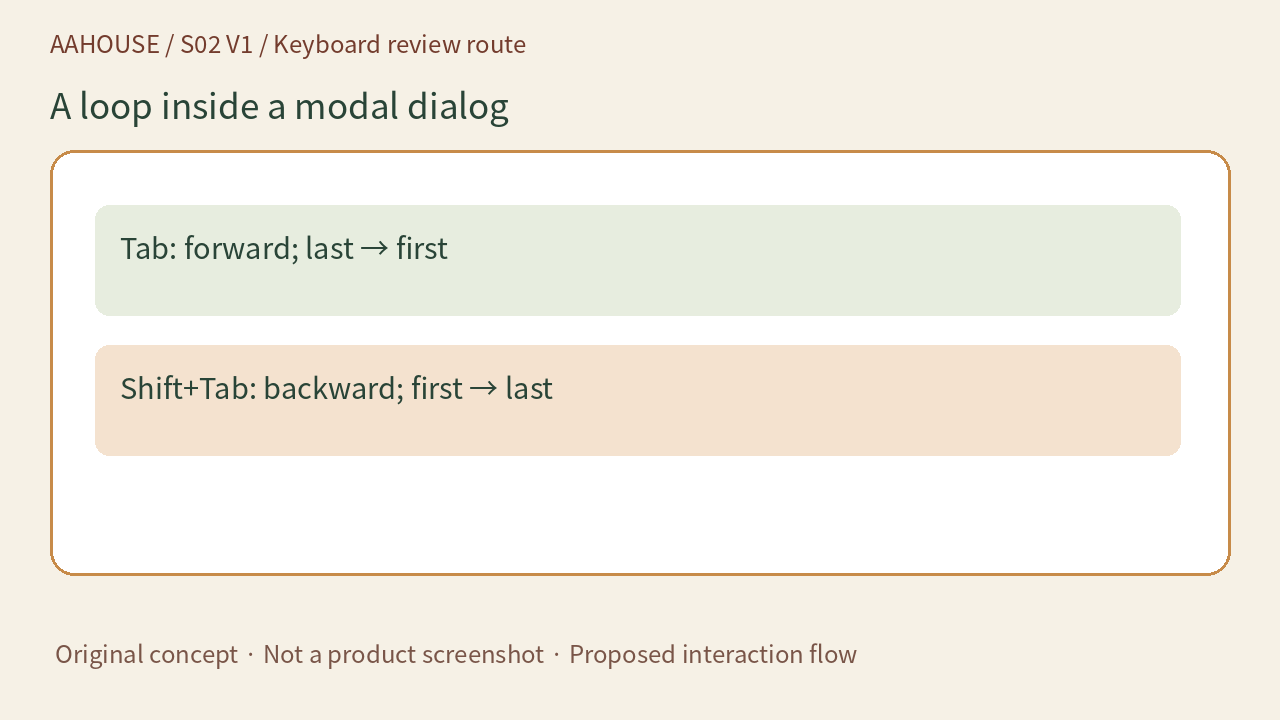
- Tab: forward; last → first
- Shift+Tab: backward; first → last
Original concept · Not a product screenshot · Proposed interaction flow
Stop three: leave with somewhere to land
The W3C pattern provides Escape to close and recommends a visible close or cancel button. Focus normally returns to the control that opened the dialog, with logical alternatives when that control disappears or the workflow calls for another destination.[1] For a reply tool, our recommendation is that closing review must not mean sending. Handle unsaved edits according to a clear policy so employees neither lose their place nor mistake a closed window for a sent reply.
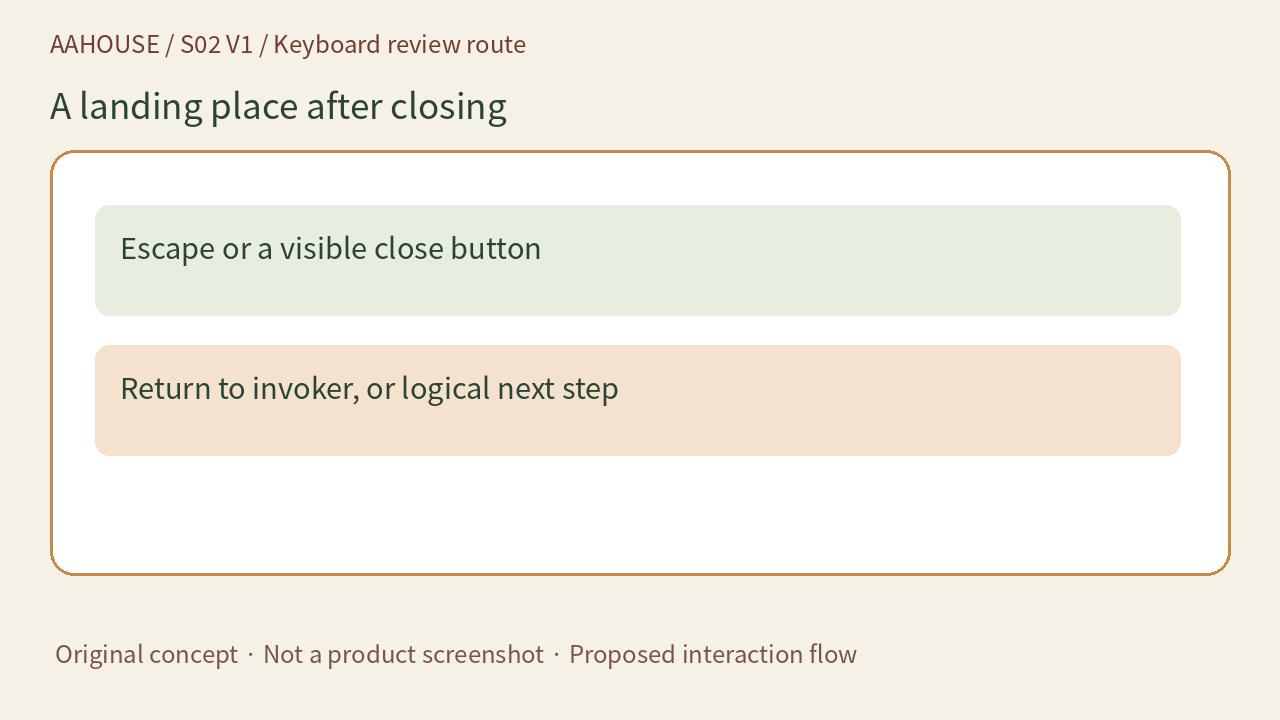
- Escape or a visible close button
- Return to invoker, or logical next step
Original concept · Not a product screenshot · Proposed interaction flow
Give the team evidence, not just checkmarks
The acceptance record should name the browser and assistive technology, record the actual focus sequence, and capture the results of opening, editing, exiting and returning. W3C’s keyboard criterion requires functionality to be operable through a keyboard interface, with an exception for path-dependent input.[2] Reviewing this reply does not depend on freehand drawing. This article proposes a test route, not an executed application test or a conformance certification. Include people who actually use keyboards and assistive technology in acceptance testing.
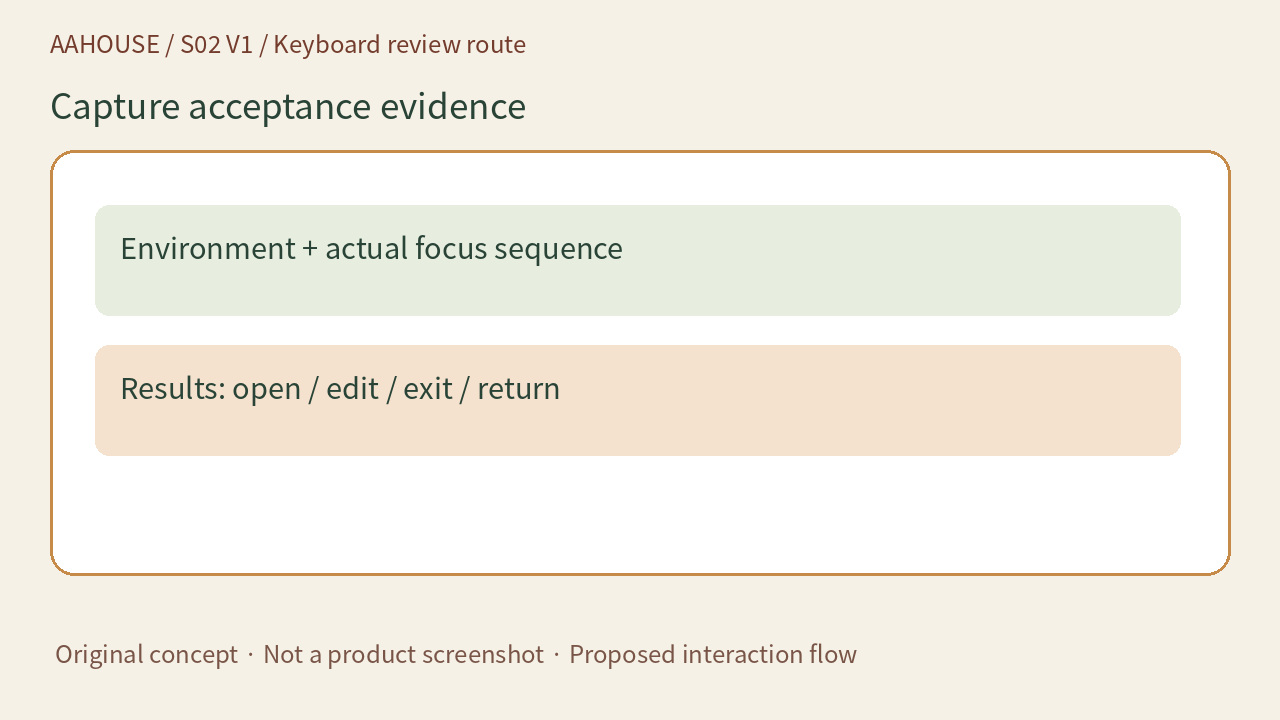
- Environment + actual focus sequence
- Results: open / edit / exit / return
Original concept · Not a product screenshot · Proposed interaction flow