
Adoption · Guide
A handover your team can actually use
Documentation should support ordinary operation and recovery, not just describe the architecture.

Start with a working day
Ask a future operator to show how the workflow starts, how completion is recognized, and where exceptions appear. Build the handover around those actions. Microsoft’s success resources distinguish readiness and enablement, a useful reminder that deployment is not the same as usable adoption. Our practical standard is whether the receiving team can perform the routine work without the implementer narrating every click.
Document decisions and ownership
Include the process purpose, approved data sources, business rules, review responsibilities, and the owner of each integration. Explain why important choices were made, not only where settings are located. In an illustrative reporting app, knowing that a source was excluded because it is outdated can prevent a later employee from reintroducing it. A short decision history can be more valuable than a long screenshot collection.
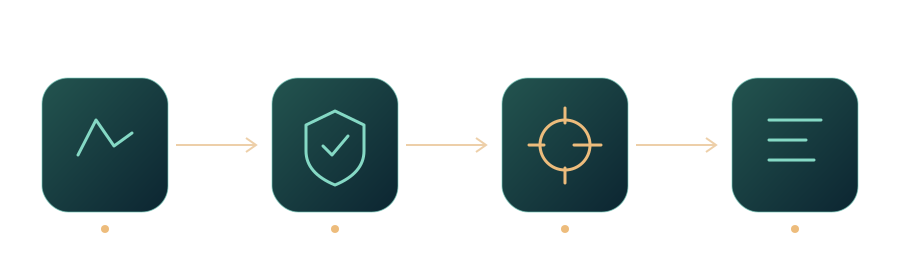
Workflow at a glance
Rehearse failure and change
Have the team pause a job, correct an input, route an uncertain case, and resume the manual process in a safe test environment. Explain who can change prompts, rules, permissions, and providers, and what testing follows a change. A handover that covers only the happy path leaves staff dependent on emergency help for predictable situations. Practice should expose missing instructions before the vendor’s delivery team leaves.
Keep the handover alive
Assign an owner and review trigger to the documentation. Update it after significant incidents, system changes, and new staff questions. Store credentials in the agreed secure system, not in the guide itself. Separate public user instructions from restricted administrative details. The handover is complete when roles, access, and recovery are usable and accepted, not when a folder of files has been emailed to a manager.
A handover acceptance task
Choose a fresh example and ask the receiving team to run it, find its status, explain a warning, and identify the correct escalation contact. Observe rather than coach. Record any gap as a handover issue, then repeat after correction. This task tests whether the documentation, access, and roles work together; accepting a document file alone would test only that the file was delivered.
Sources and further reading
- Copilot Success Kit for Small and Medium BusinessCopilot Success Kit for Small and Medium BusinessMicrosoft · Documentation ·
- AI RMF Playbook: ManageAI RMF Playbook: ManageNIST · Documentation ·
Editorial approach
AI-assisted original writing, checked against linked public sources. Practical recommendations and illustrative scenarios are editorial analysis, not reported client results. Source dates and product details may differ from this collection’s preparation date.